52
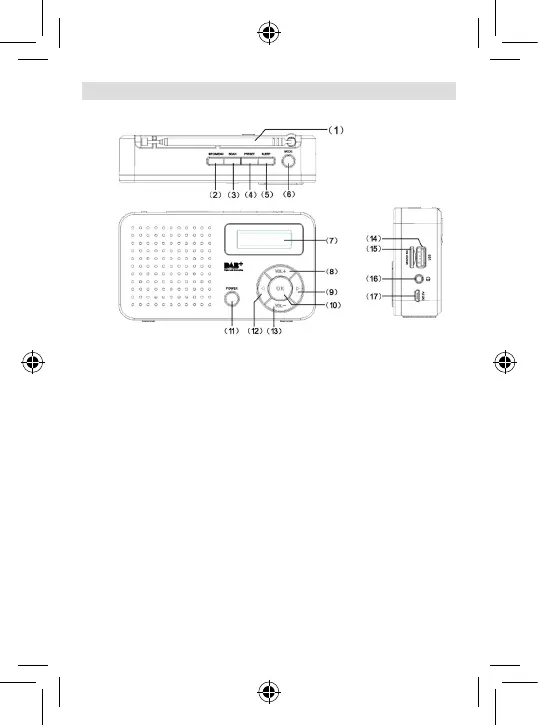
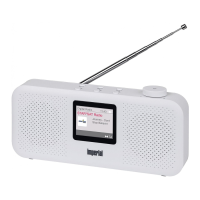
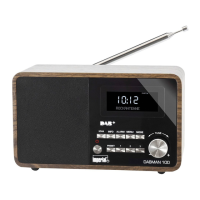
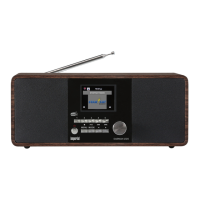
1 Telescopic antenna
2. INFO/MENU
Press the button to view information about
the current UKW/DAB transmission.
Press and hold the button to open the menu.
3. SCAN
Starts the station search.
4. PRESET
Opens the saved radio stations or saves a radio station.
5. SLEEP
Switches the radio off after a definable time period.
6. MODE
Press this button to choose between the reception mode
FM or DAB/DAB+, the USB music source or the micro
SC card.
7. Display
8. Volume +
Press this button to raise the
volume.
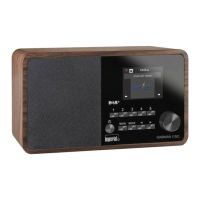
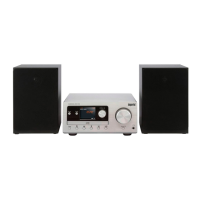
4. OVERVIEW AND CONNECTIONS





 To Next Page