60
The device will now search all available music content on the USB
data carrier and will begin playing the first music file.
6.11.1. Pause music on the USB data carrier
You can pause the playback of the USB music.
Press the OK button (10) to do so.
The playback is paused.
To start playback, press the OK button (10) again.
6.11.2. Track selection from a USB data carrier
Choose the next track with thenavigation button (9).
Choose the previous track with the navigation button (12).
6.12. SD card mode
In SD card mode, music files (MP3/WAV) on an
inserted micro SD card can be played.
Insert a micro SD card into the SD card reader. Micro SD cards
with a max. size of 32 GB are supported.
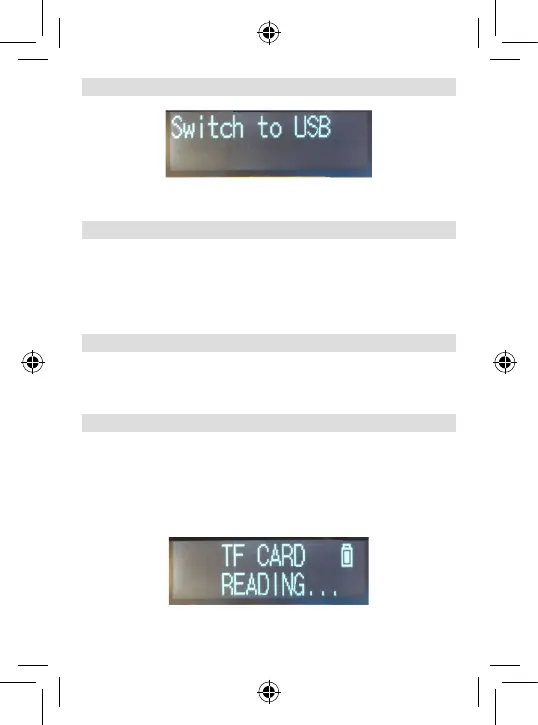
Press the MODE button repeatedly until TF card appears in the
display.
6. OPERATION





 To Next Page