56
ranged alphabetically.
You may arrange them as follows:
Press and hold the INFO MENU button for approx. 2 seconds.
Using the Navigation button (9)switch to the menu item <Sta-
tion Order> and confirm by hitting SELECT.
Use the Navigation button(9) to select<Alpha> to arrange
them alphabetically or<Ensemble> to arrange them in the order
they were detected.
6.3. Volume
You can raise and lower the volume using the Volume buttons
(8), (10).
6.4. Switching the reception mode
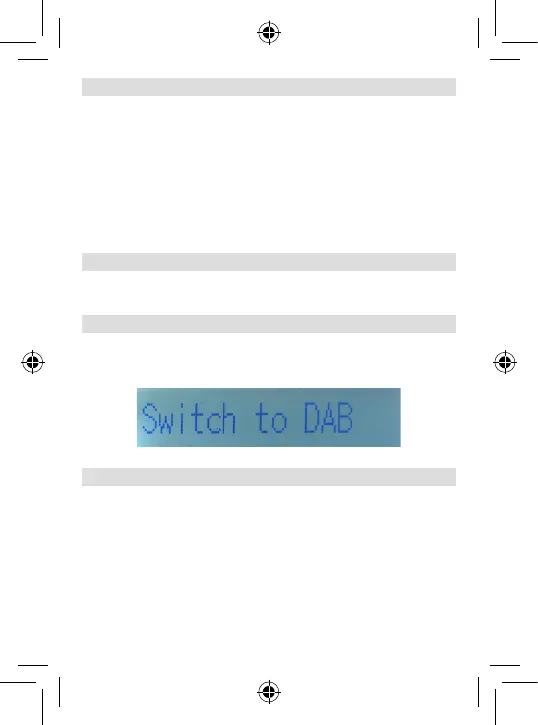
To switch between the UKW (FM) and DAB+ reception modes
press the MODE button. (6)
6.5. FM/DAB programme search
To initiate a search for UKW programmes, switch into the FM
mode, as described in Chapter 6.4 .
Press the SCAN button (3) to start the search.
The device will now search for the next station that can be
received in the frequency range. As soon as a station has been
found, the search will stop.
To save a station, please read chapter 6.6.
To start a search for DAP stations, switch to DAB mode, as
described in chapter 6.4 .
6. OPERATION





 To Next Page