57
Press the SCAN button (3) to start the search.
The device will now search for all available DAB radio stations.
As soon as the search is completed, you can select the available
DAB stations as described in chapter 6.2.
6.6. Favourite list setup
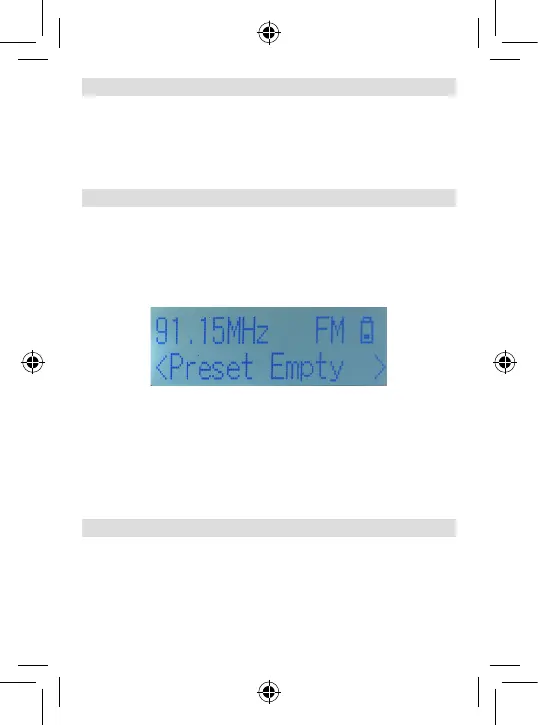
You can store a favourite list in both the analogue FM reception
mode as well as in the digital DAB+ radio mode.
Choose the desired station you would like to save via the station
selection buttons (9) (12) .
Press and hold the PRESET button (5) for approx. 2 seconds.
A programme slot will now blink behind the Preset Empty line.
Use the Navigation buttons (9) (12) to now select a channel
slot in which you would like to store the station.
Press the OK button (10).
The programme is now stored.
There are 10 storage slots available in the DAB+ mode as well
as the FM mode.
6.7. Accessing the favourite list
To open a favourite station, press the PRESET button (4) while
the device is on.
Use the navigation buttons (9) (12) to select a programme slot.
Confirm your choice with the OK button (4).
6. OPERATION





 To Next Page