Exago
Manual
Exago
Manual
13
www.imv-imaging.com |
Exago
Manual
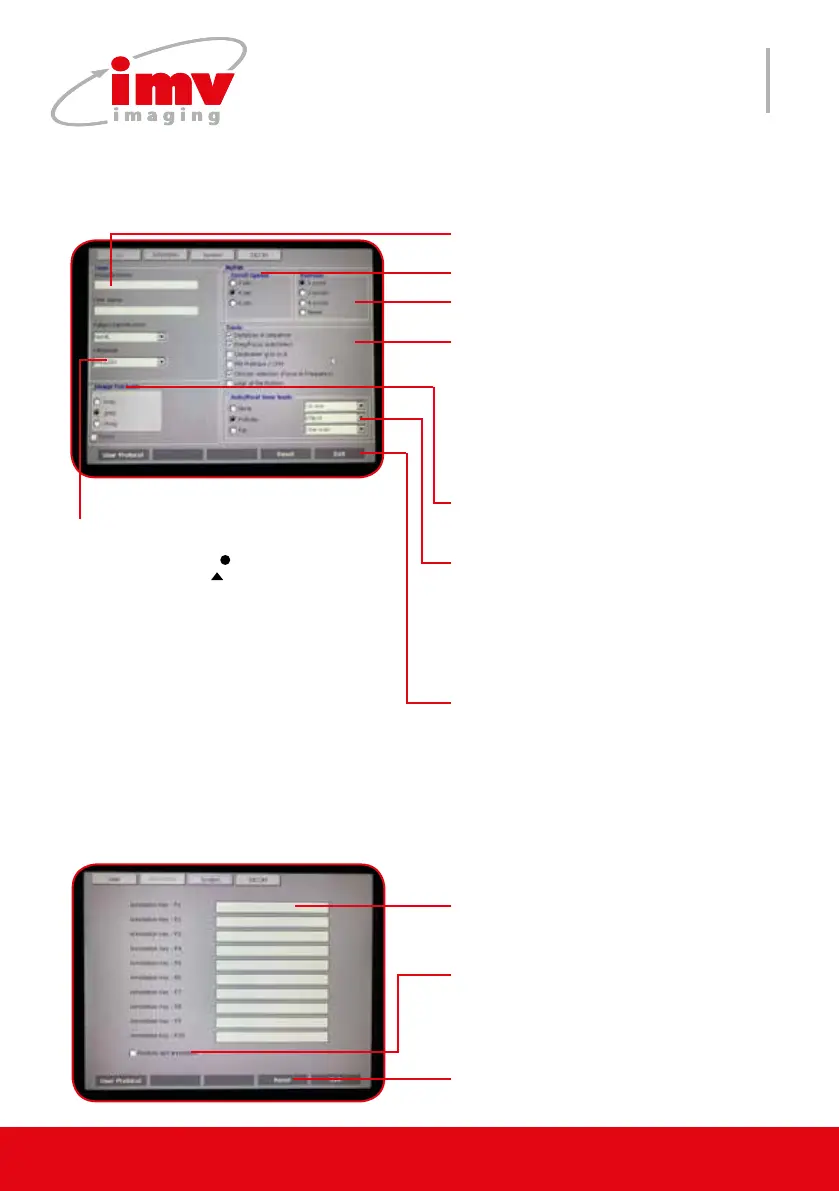
Reset or Exit.
Duration of scrolling M/PW display. 4
sec by default.
Refresh frequency of B image.
AutoReal time tools:
Follicles-measurement of the diameter
/ellipse of the dominant follicle.
Fat-measurement of fat and muscles.
Both can be ajusted.
There is also Biotronics preset entitled
DDI with L3130B probe.
Input user dened annotations. Anno-
tations can be selected using the F+
keys on the keyboard.
Repeat the latest free text (not from
the annotation list) entered with the
Text button on the keyboard automati-
cally when pressing Text.
Select image format. Dicom only
allows to save the images only in this
format.
Enter user/patient informaton.
Select language. Chinese version is
available. The key selects or cancels
Chinese . The key selects the input
for digits and other symbols non-ideo-
gram.
Freq/Focus: B mode transmit focus and
frequency automatically depending
on the depth.
PW Pre-trace/CFM: displayes the PW
gate on active CFM image. Active by
default.
Circular selection: Frequency and fo-
cus brought up from one from one step
to the next in a circular way.
User folder
Annotation folder
Annotations of the saved image can be modi-
ed or new can be added.
Reset or Exit.
10. Settings


 To Next Page