2
EN
ConnectionModes
Thereare3kindsofmodesfortheBCST-73barcodescannerstoconnectwithanother
device.TheyareWiredMode,WirelessAdapterMode,andBluetoothMode.Aslongasyou
connecttheBCST-73barcodescannertoadeviceviatheUSBcable,thescanningdatawill
betransmittedviathecable,whileWirelessAdapterModeandBluetoothModewillnot
work.
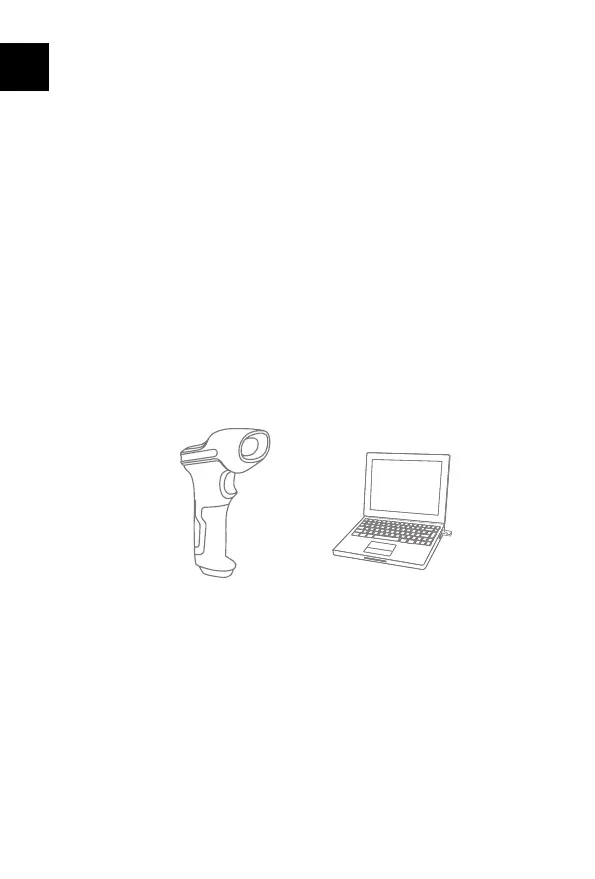
WirelessAdapterMode(PlugandPlay)
WirelessAdapterModeisthedefaultconnectionmode.Tousethismodepleaserefer
tothedetailsbelow.
1.PoweronInateckBCST-73bytogglingswitchfromOFFtoON
2.PlugtheUSBadapterintoacomputer.Iftheindicatorlightflashesonce,itmeansthe
connectionissuccessfullybuilt.Shortpressthetriggeronthebarcodescannerand
itwillemitredlightbeam,andthenthebarcodescannercanworkunderWireless
AdapterMode.
3.Openafileonthecomputerandmovecursortotheplacewherescanningresultshould
bedisplayedandsaved.
Note:
1)WirelessAdapterModeisthedefaultconnectionmodeofBCST-73barcodescanner.If
youareusingBluetoothconnectionmodeandwanttoswitchitbacktotheWireless
AdapterMode,pleasescanthesettingbarcodesi
nsequence"EnterSetup"-"Wireless
AdapterMode"-"ExitwithSave".
UseofInateckBCST-73
Startup
Note:
1)InateckBCST-73willstartsleepmodeifthereisnooperationonitover10minutes.
Shortpressonthetriggercanwakeitup.
2)WhenthedistancebetweenInateckBCST-73anditsadapterexceedstheeffective
range,scanneddatawillbekeptinthebufferofInateckBCST-73.Quicklydoublepress
onthetriggercanuploaddatafrombuffer.



 To Next Page