Probes Setup Page 4 - 5
4
Probes – SPECIAL Menu (C
ONTINUED
...
FROM
PREVIOUS
PAGE
)
Steps:
1.) Accurately fill-in TABLE 4.1
(ref. Install. Guide / Probe head / cable)
2.) Add RTD position accurately
3.) Repeat step 2 until all positions are added
4.) Display / check RTD table N positions
5.) Edit / Delete positions as required
6.) Repeat step 5 to confirm accuracy
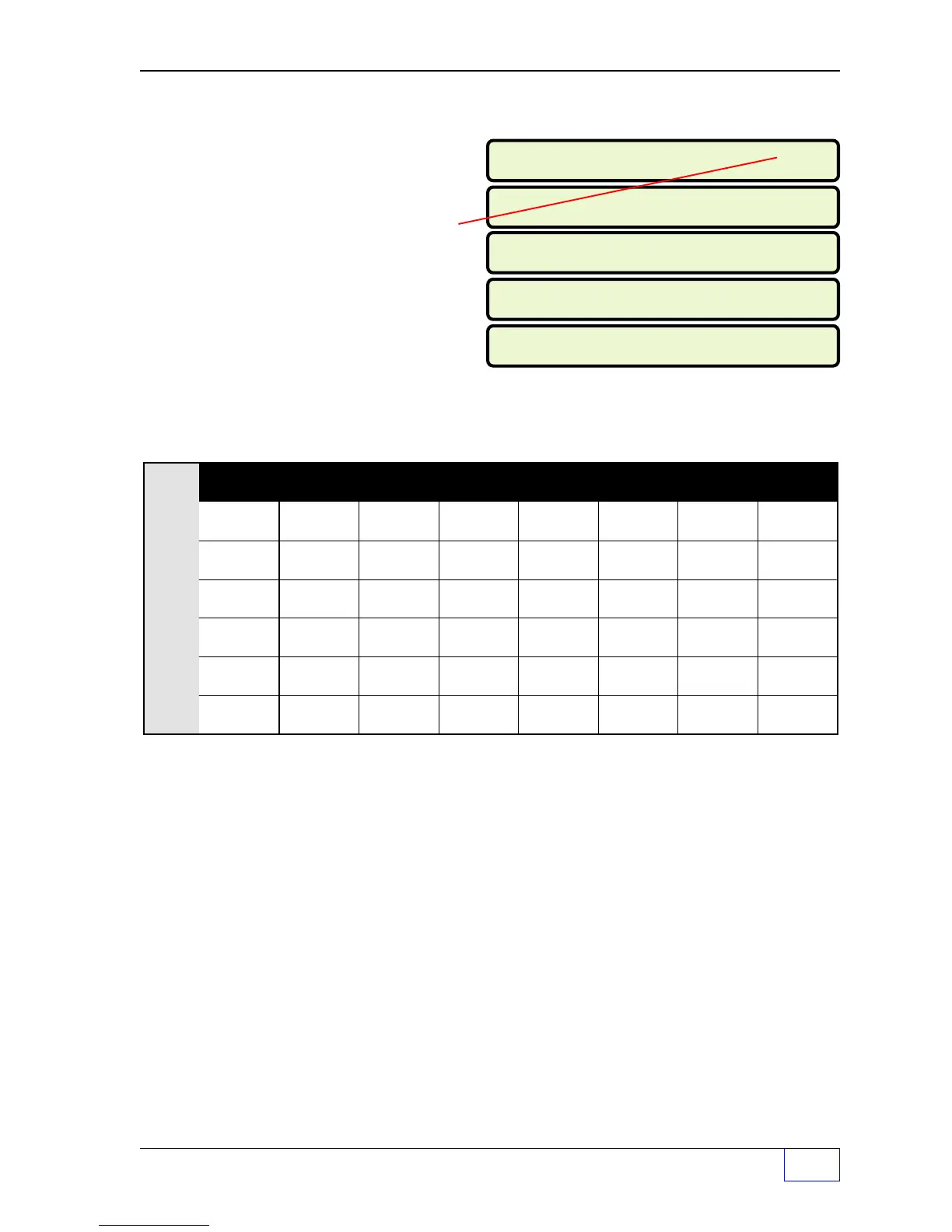
TABLE 4.1 SPECIAL PROBE RTD POSITIONS
RTD:
Probe 1 Probe 2 Probe 3 Probe 4 Probe 5 Probe 6 Probe 7 Probe 8
# 6
# 5
# 4
# 3
# 2
# 1
RTD POSITION TABLE N POS 3
24.69
RTD POSITION TABLE N POS 1
6.10
RTD POSITION TABLE N POS 4
32.64
RTD POSITION TABLE N POS 2
16.63
RTD POSITION TABLE N POS 5
41.69



 To Next Page