10
Page 10 - 2 Tank Sentinel Setup Programming Guide
Tank Leak Test Menu
N = Tanks 1 – 8
(only the number of tanks programmed in
the System menu will appear)
Setup the confidence percentage
CONFIDENC Press
M1
key.
LEAK TEST CONFIDENCE
99.0(%)
Use
UP/DOWN
▲
▼ keys to show choices.
90.0% Press
ENTER
to accept this data.
95.0%
97.5%
Setup the percision of the leak test
PRECISION Press
M2
key.
LEAK TEST PRECISION Select tank number using (M) key.
TANK 1
TANK 2
:
TANK 8 (NOTE: 5 – 8 TS-2001/508 only)
LEAK TEST PRECISION
+0.20000
0.05 to 2.0
Use keypad to input a precision number.
Press
ENTER
to accept this data.
Setup a minimum amount of time to test for leaks per local regulations —
MIN LK TM Press
M3
key.
MINIMUM LEAK TEST TIME
2
2 to 8.0 hours
Use keypad to input minimum leak test time.
Press
ENTER
to accept this data.
— Continued next page —
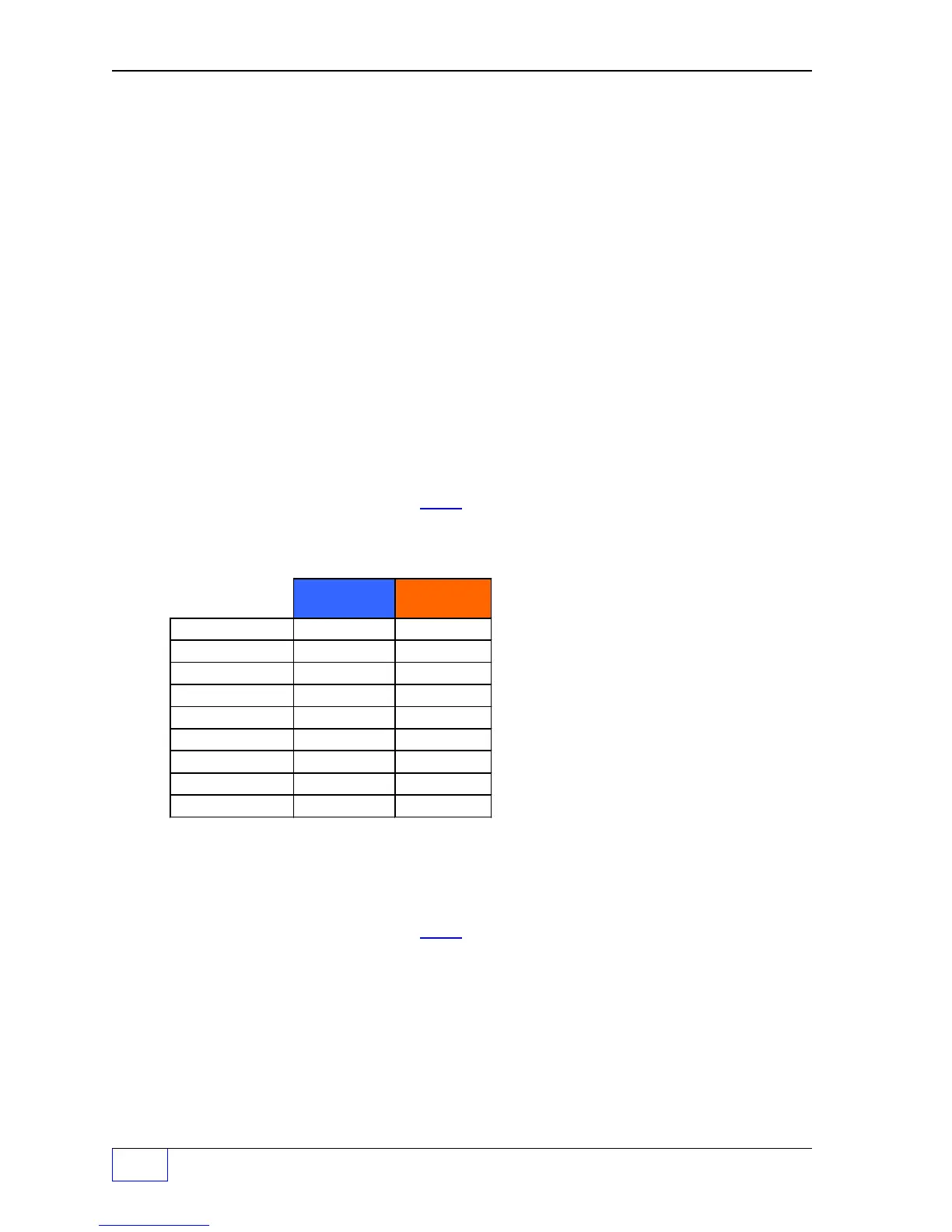
Monthly
Compliance
Yearly Test
Static Leak Test:
0.2 gph 0.1 gph
Precision Tank # 1
Precision Tank # 2
Precision Tank # 3
Precision Tank # 4
Precision Tank # 5
Precision Tank # 6
Precision Tank # 7
Precision Tank # 8
Threshold = 1/2 of Leak Test value



 To Next Page