29 QUICK START GUIDE INCOTEX 500F
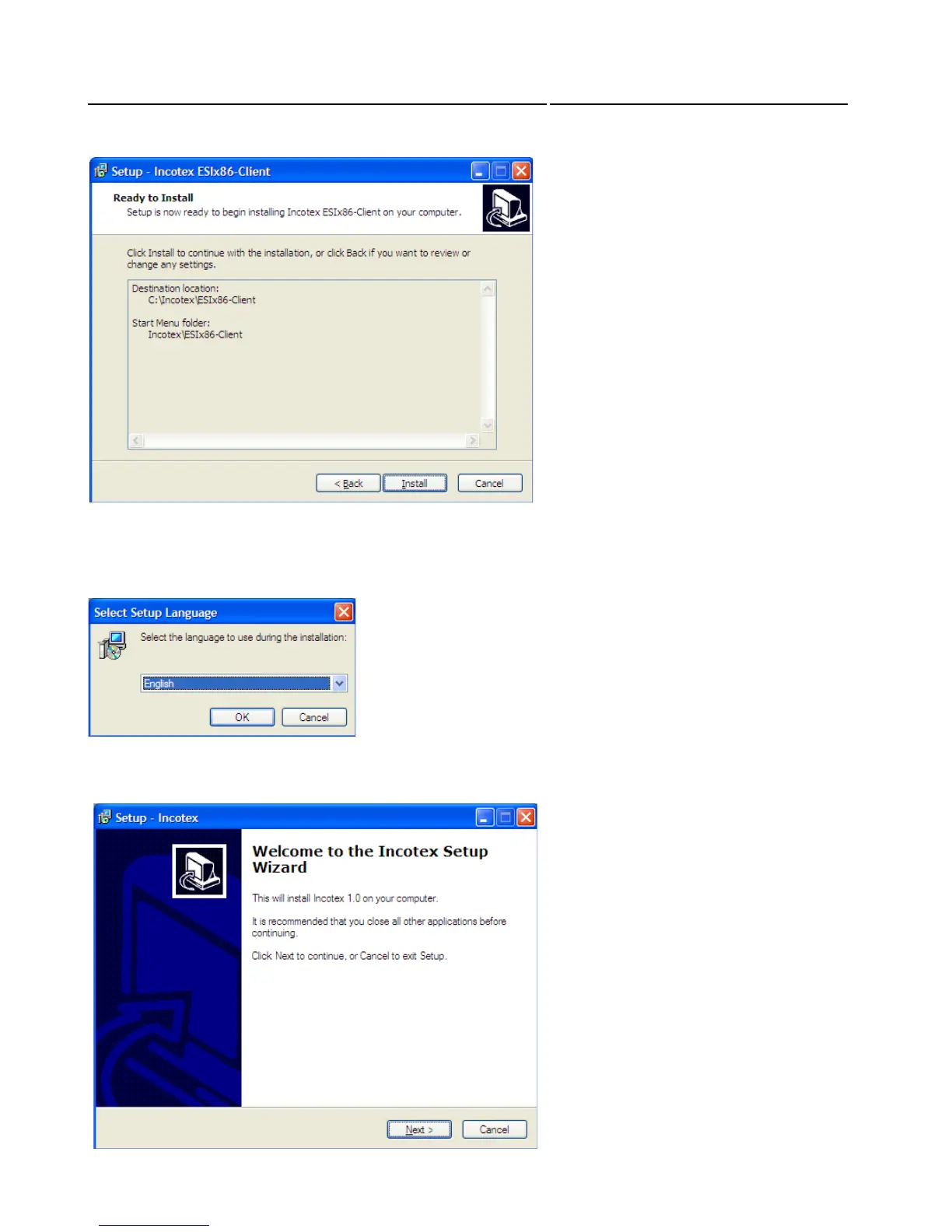
Select where the program s shortcuts to be placed. By default the folder for this purpose is in the Start ‟
Then the program automatically starts the installation of the virtual printer “Incotex”. First select a
language for the installation from the falling menu and then follow the steps in the installation wizard
as follows:
The welcome window of the Installation Wizard appears. Click Next to continue



 To Next Page