30 QUICK START GUIDE INCOTEX 500F
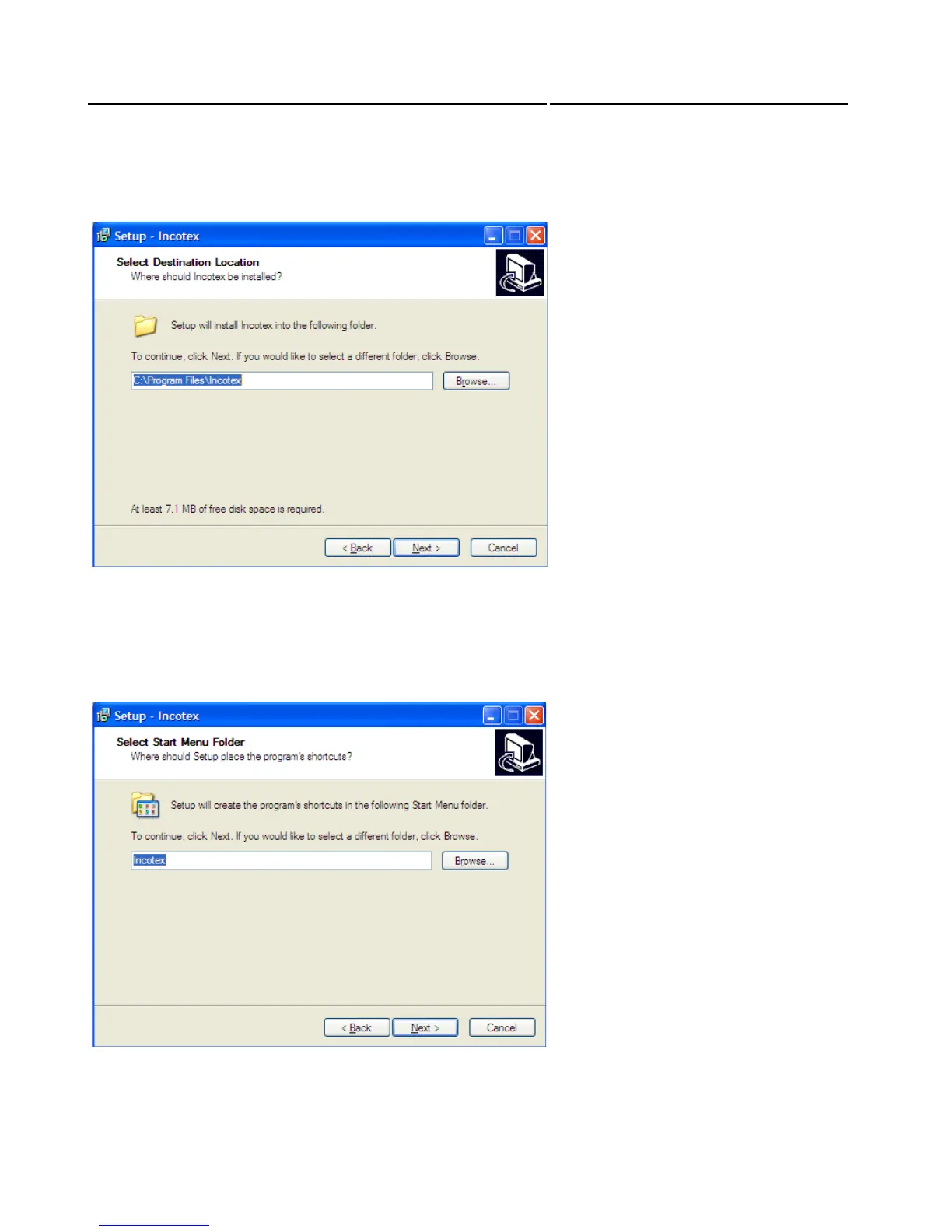
Then you will be asked to select a location where Incotex to be installed. By default it will be installed
in C:\Incotex\ESIx86-Client. To confirm the installation in this directory, click Next. If prefer another
directory, use the Browse button. Click Next to proceed with the Installation
Select where the program’s shortcuts to be placed. By default the folder for this purpose is in the Start
Menu named as “Incotex”. To confirm click Next. It can be changed if necessary.
Click Next to proceed with the Installation



 To Next Page