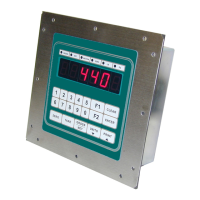
IDS 410/422 User's Manual
23
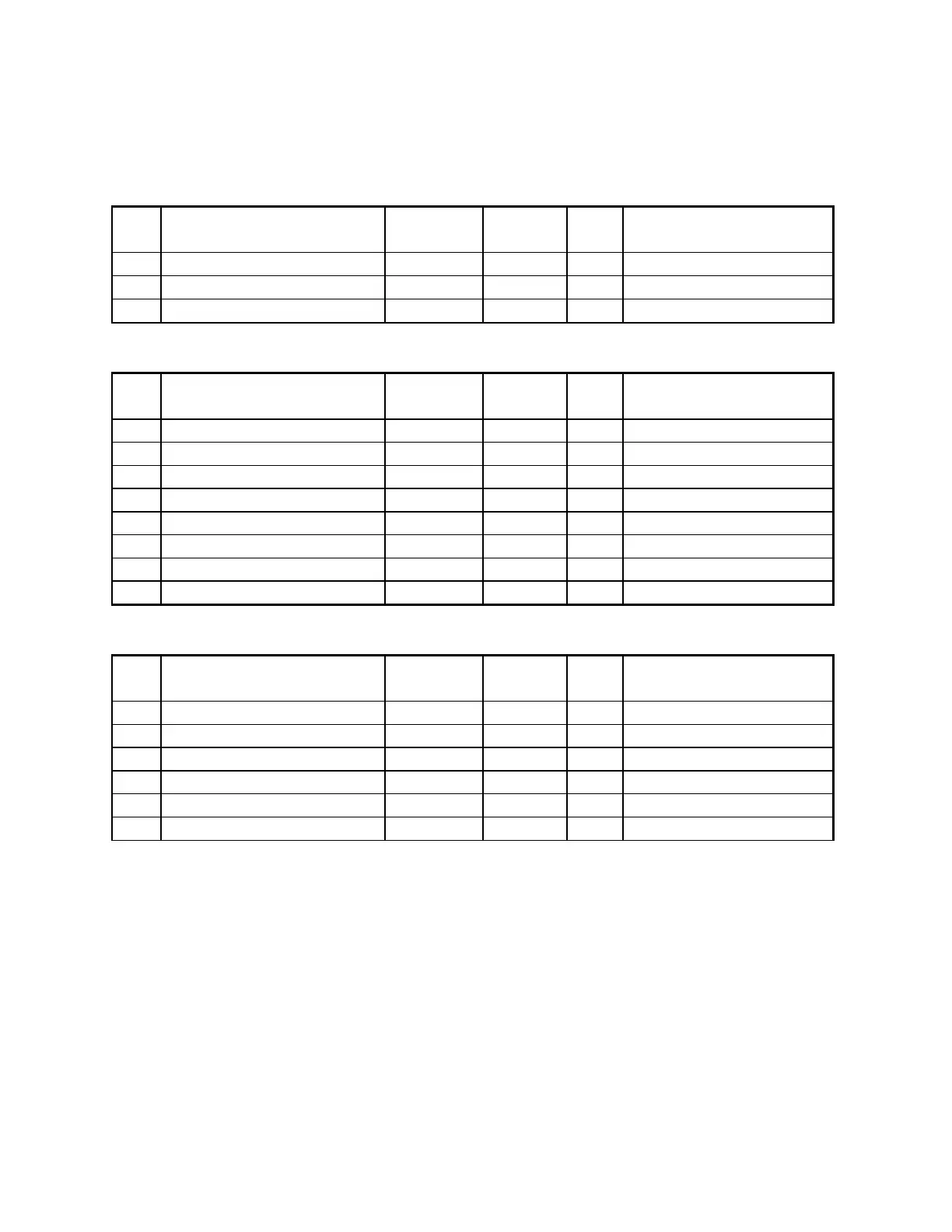
Display Intensity, Battery, Watch Dog Timer
No Parameter Name Default Maximu
m
Pass
Field Setting
40 Display intensity 10 15 2
41 Battery installed (CLOCK) 0 (no) 1 2
42 Enable watch dog timer 1 (yes) 1 1
Fixed Setpoints
No Parameter Name Default Maximu
m
Pass
Field Setting
43 Fixed setpoint 1 0 999999 1
44 Fixed setpoint 2 0 999999 1
45 Fixed setpoint 3 0 999999 1
46 Fixed setpoint 4 0 999999 1
47 Fixed setpoint 5 0 999999 1
48 Fixed setpoint 6 0 999999 1
49 Fixed setpoint 7 0 999999 1
50 Fixed setpoint 8 0 999999 1
Keyboard Events
No Parameter Name Default Maximu
m
Pass Field Setting
51 Power on start function 0 255 2
52 Print key function 136 255 2
53 Units key function 127 255 2
54 Gross/Net key function 128 255 2
55 Tare key function 129 255 2
56 Zero key function 130 255 2



 To Next Page