34 / 108
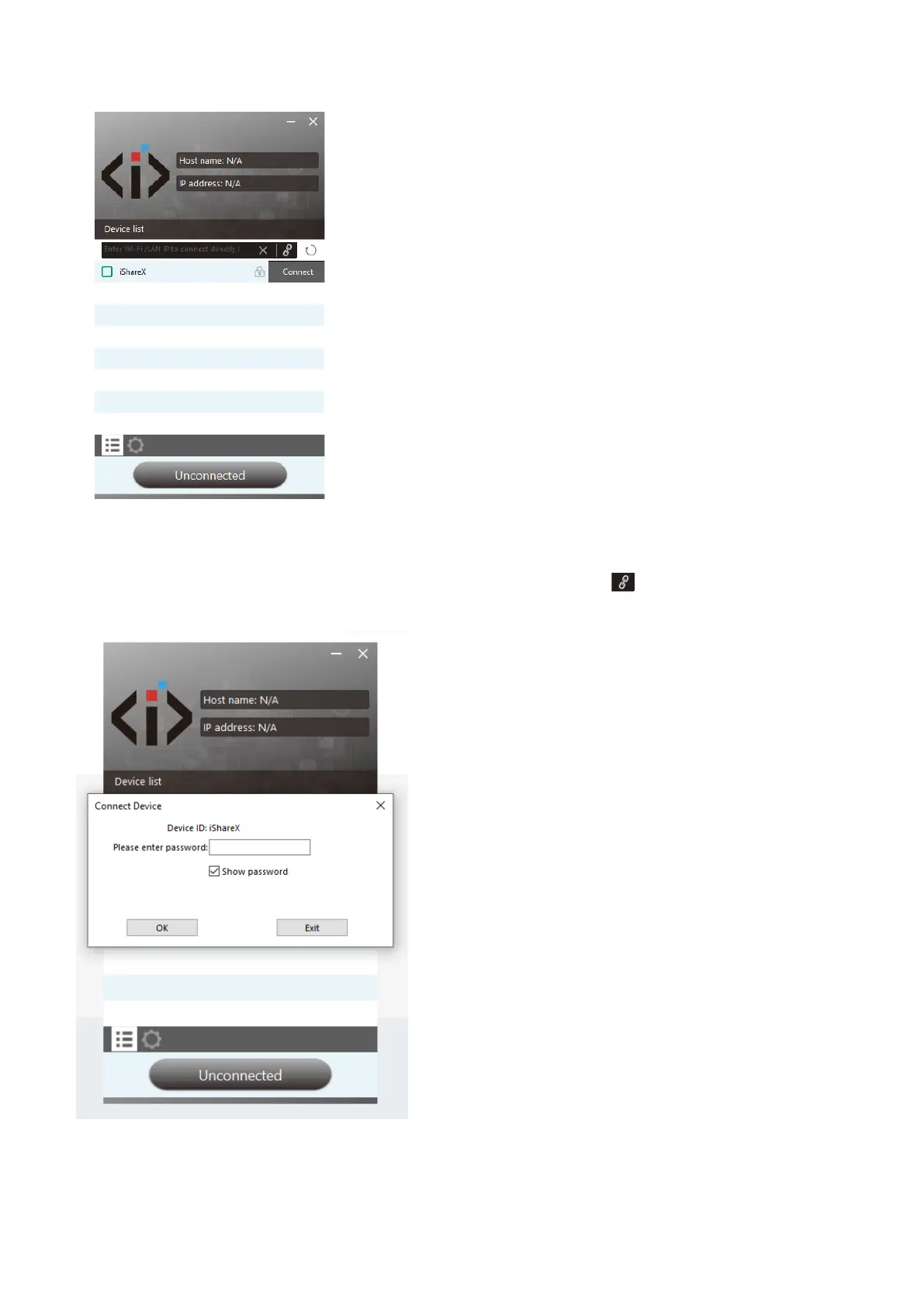
4. Enter base unit password and click “connect”, the system now is ready to share.
You can also manually connect by entering the name (SSID) or IP address. (click icon ).
Enter the corresponding base unit password, press 'OK', the system is “Ready to share”.
5. Click “Ready to share”, when window color is static red, the desktop is mirroring to the main screen.


 To Next Page