Please read the safety instructions
booklet before setting up the projector.
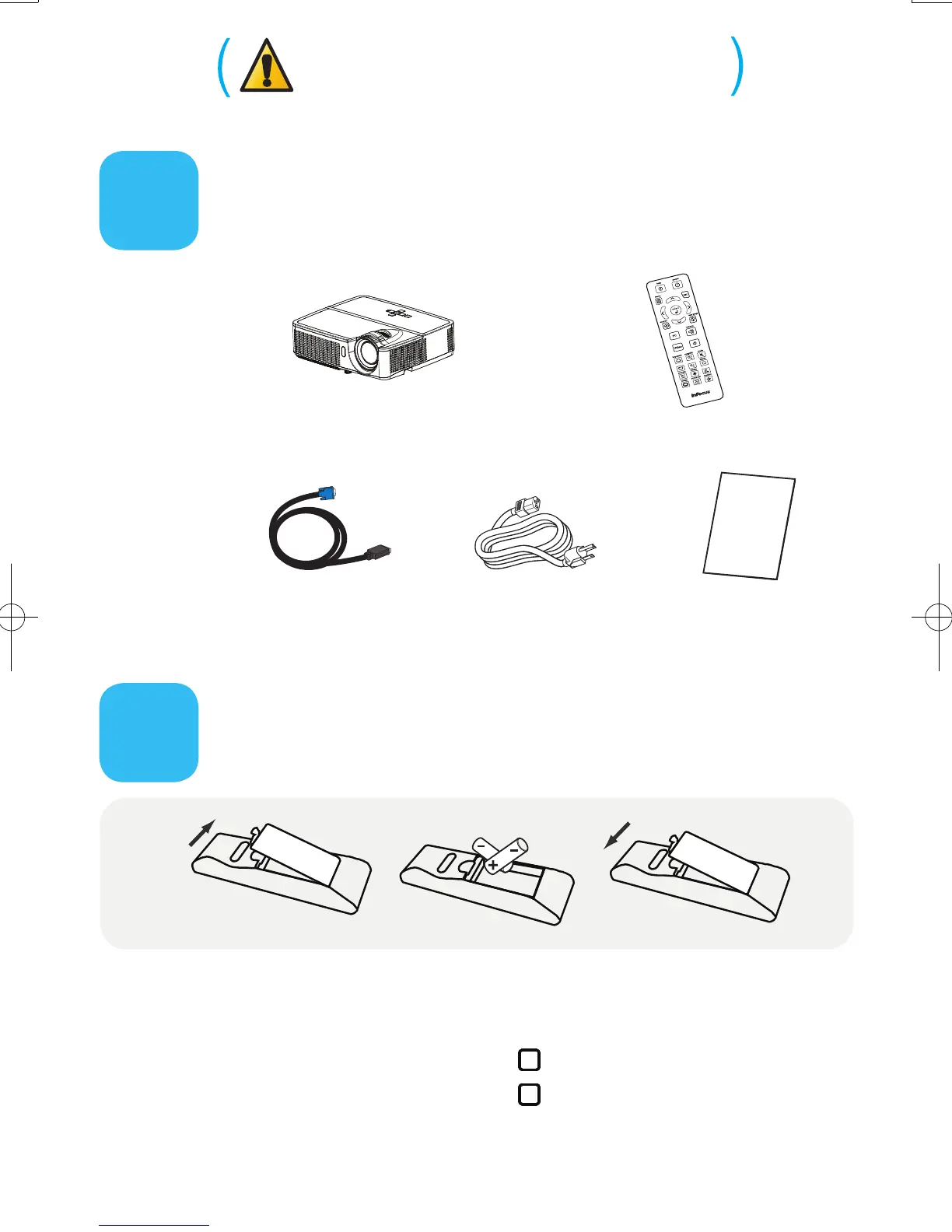
Unpack the box
Here's what's included:
Put batteries in the remote
The remote uses 2 AAA batteries.
Please dispose of batteries in an environmentally proper manner.
Buy a Full-Featured Remote and Other Custom Accessories
www.infocus.com/store
The top of your projector includes
a convenient indicator panel with
symbols that light up to show
important status.
For details, see Troubleshooting.
Status Indicator Panel
Computer Cable
Remote
Power Cable
Projector
Save the box and packing materials.



 To Next Page