33
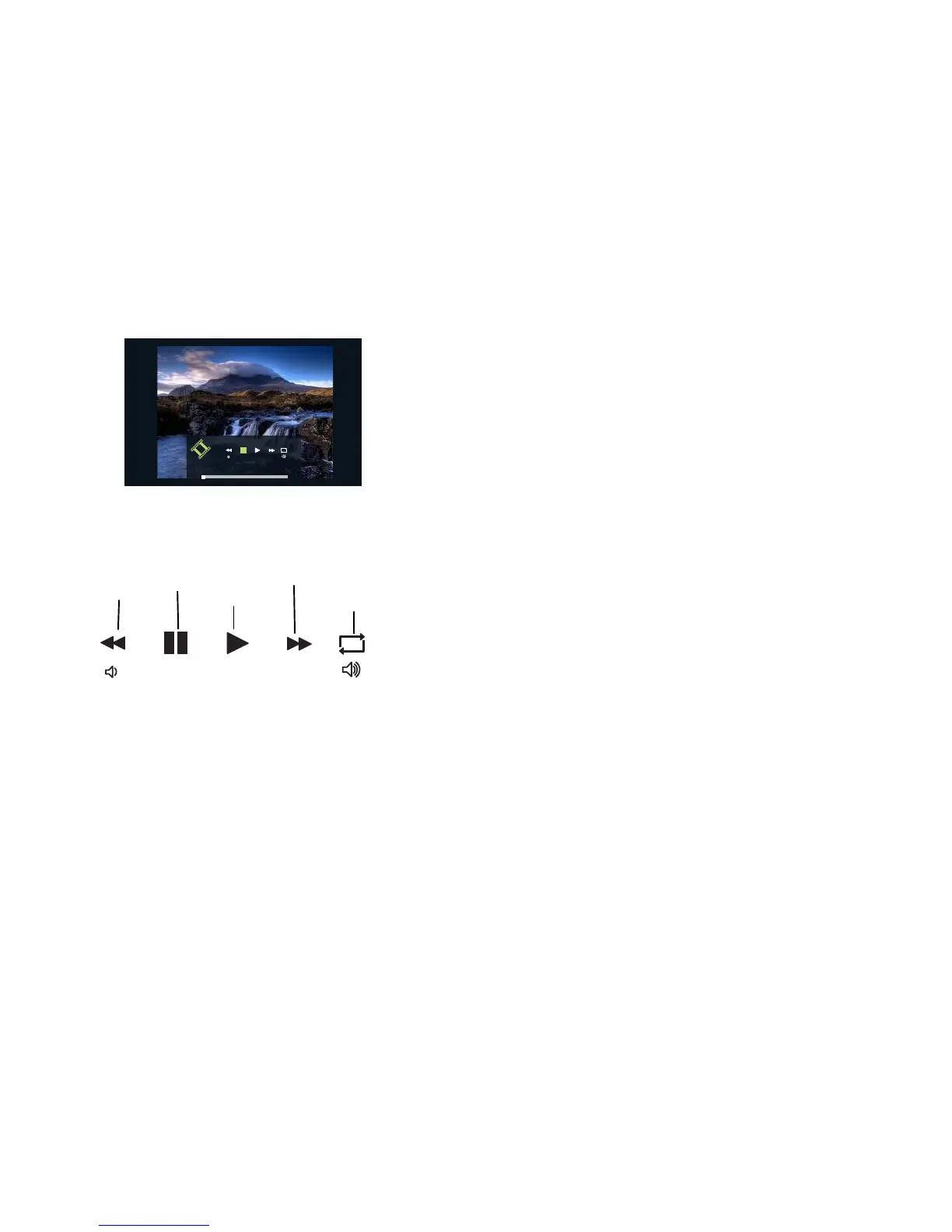
When a video is playing
moviesample.mp4
00:00:02
00:00:00 00:04:12
• To open the Video Viewer toolbar: press the Menu key.
• To stop the video or return to video playlist: press the Select/Enter key
when the toolbar is closed.
• To pause/play the video file: Press the Select/Enter key to pause and play
the video file when the toolbar is displayed.
• To rewind the video file: Press the Menu key to open the Video Viewer
toolbar. Press the left arrow key to rewind the video and toggle through the
different rewind speeds. Press the Select/Enter key to stop rewinding.
Options include: X1, X2, X4, and X8.
• To fast forward the video file: Open the Video Viewer toolbar, press the
right arrow key to fast forward the video and toggle through the different
forward speeds. Press the Select/Enter key to stop forwarding. Options
include: X1, X2, X4 and X8.
• To adjust volume: Press the Volume Up and Down keys on the remote to
increase and decrease the volume.
•
Repeat mode: set in the EZ Suite Settings > Video menu > Repeat Mode. See
page 41.
Rewind
Pause
Play
Fast forward
Repeat mode



 To Next Page