16
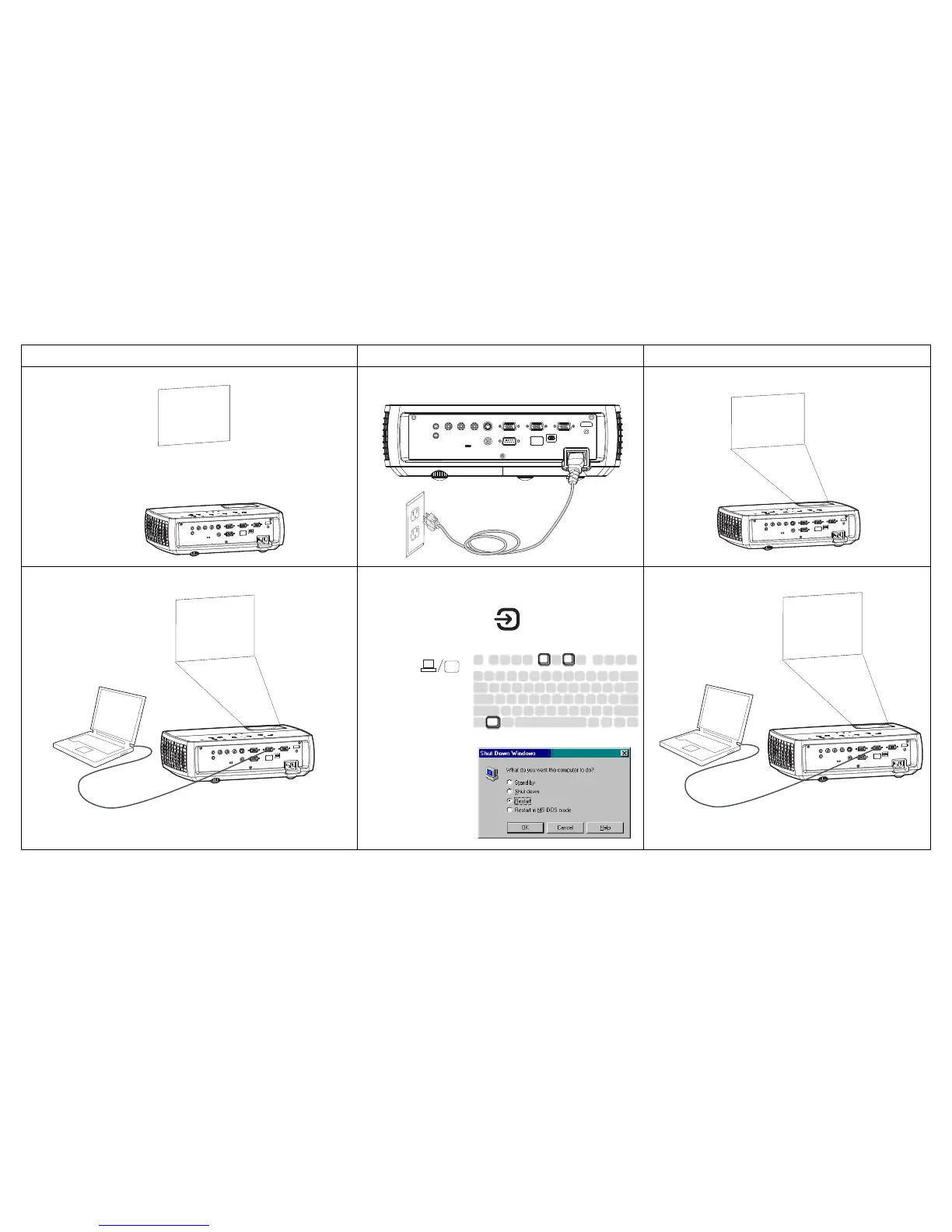
Problem Solution Result
No start up screen
Plug power cord into the projector
press power button
Correct image
Only start up screen appears
If your computer is using the projector's DisplayLink
connector, see the DisplayLink User's Guide for
troubleshooting information.
Press the Source button
activate laptop’s external port
Computer image projected



 To Next Page