21
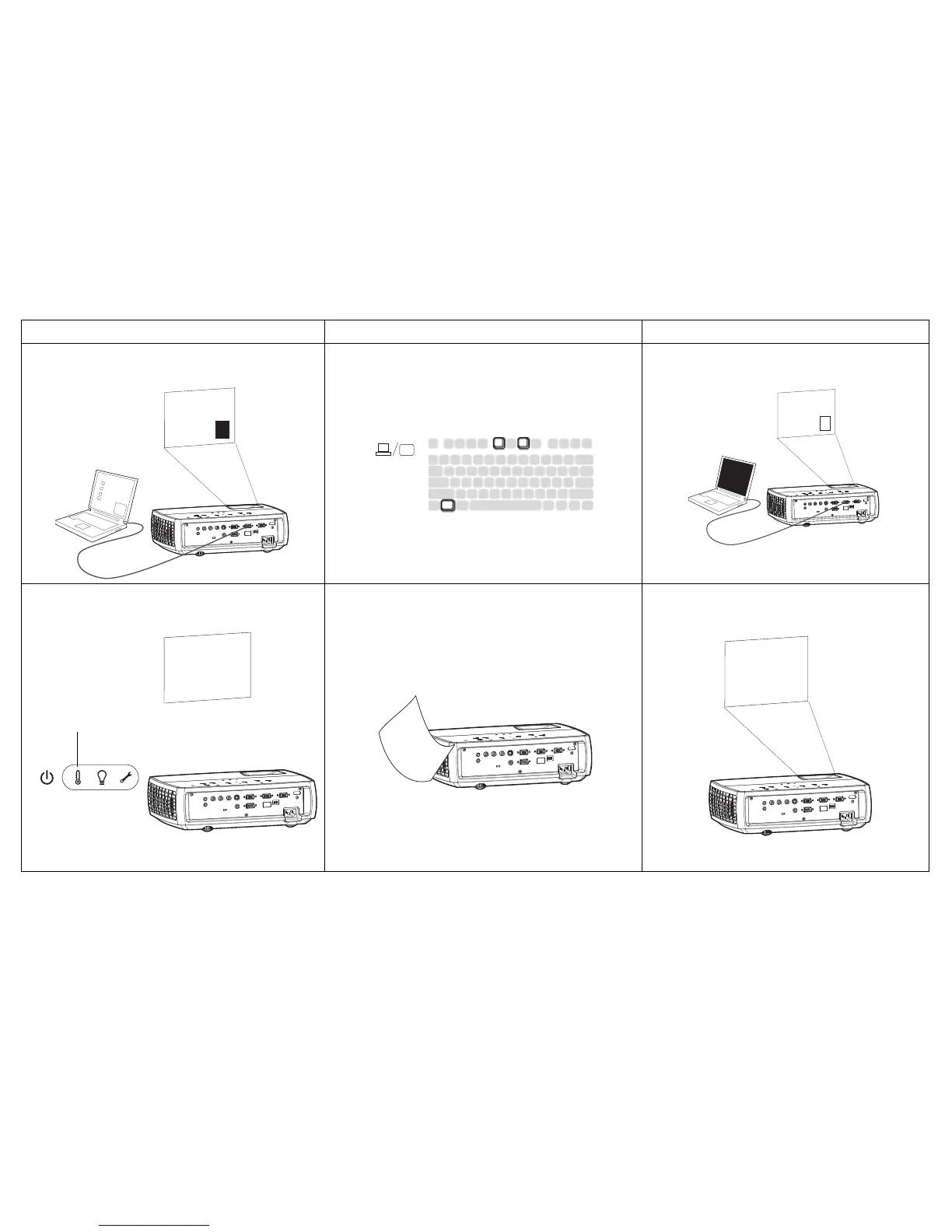
The video embedded in my PowerPoint presentation
does not play on the screen
If your computer is using the projector's DisplayLink
connector, see the DisplayLink User's Guide for video
troubleshooting information.
Turn off the internal LCD display on your laptop
Embedded video plays correctly
Lamp won’t turn on, Temperature light is on Make sure vents aren’t blocked, turn off the projector
and allow it to cool for one minute
Lamp turns on
Prolem Solution Result



 To Next Page