14
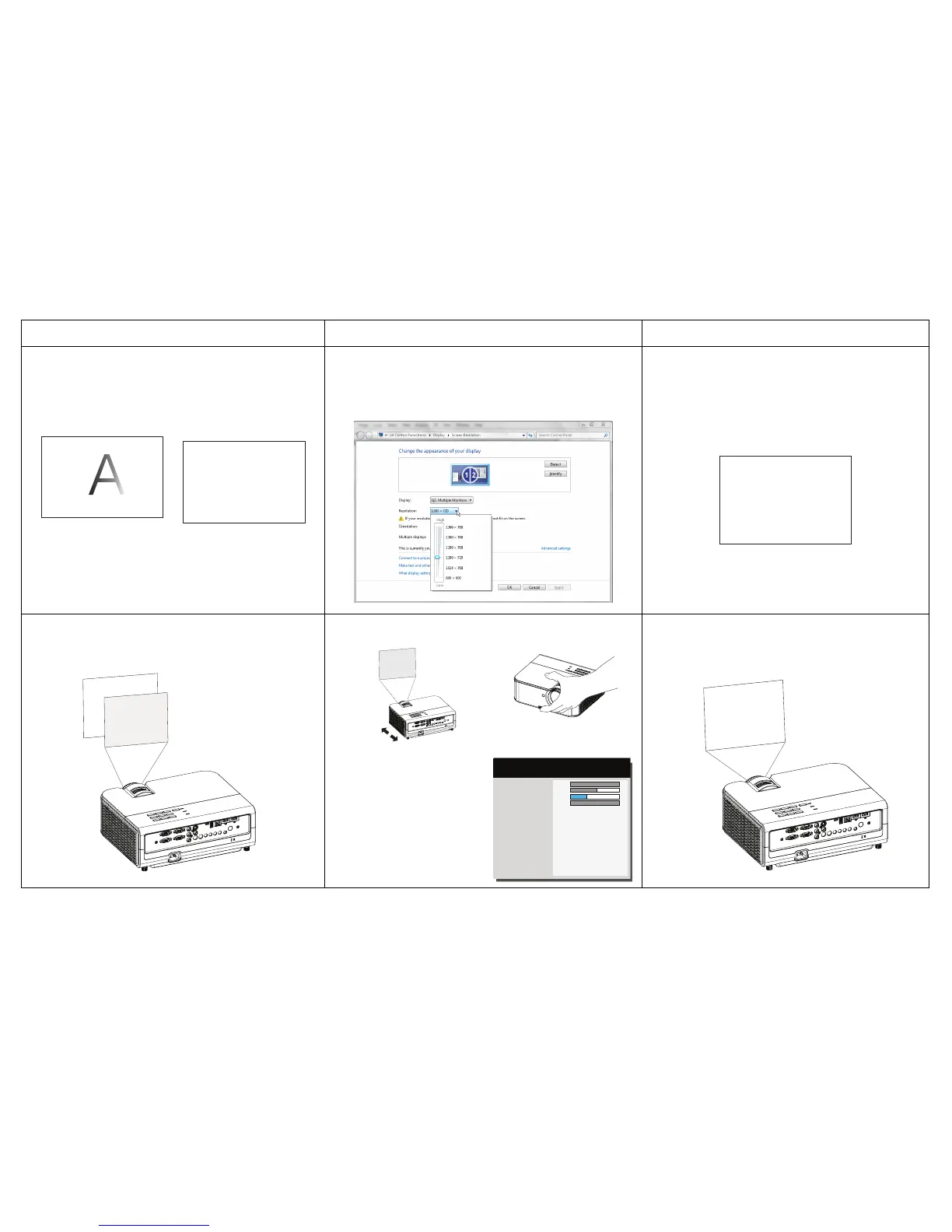
Image fuzzy or cropped
A
A
Change the computer's "Resolution" setting to match
the projector's resolution (Windows 7: Control Panel >
Display > Screen Resolution). Varies per operating
system.
A
Image clear and not cropped
Image not centered on screen
Phase
Tracking
Horz Position
Vert Position
Previous
100
69
30
100
( PC )
MDL: IN3128HD
FW: 0.10
Adjust horizontal or
vertical position in
Advanced Menu >
Image > PC menu
Move projector, adjust height
Correct image
Problem Solution Result



 To Next Page