21
This product is backed by a limited two-year warranty. An extended war-
ranty may be purchased from your dealer. When sending the projector in
for repair, we recommend shipping the unit in its original packing material,
or having a professional packaging company pack the unit for shipping.
An optional ATA shipping case is available for purchase that provides ade-
quate protection for shipping. Please insure your shipment for its full value.
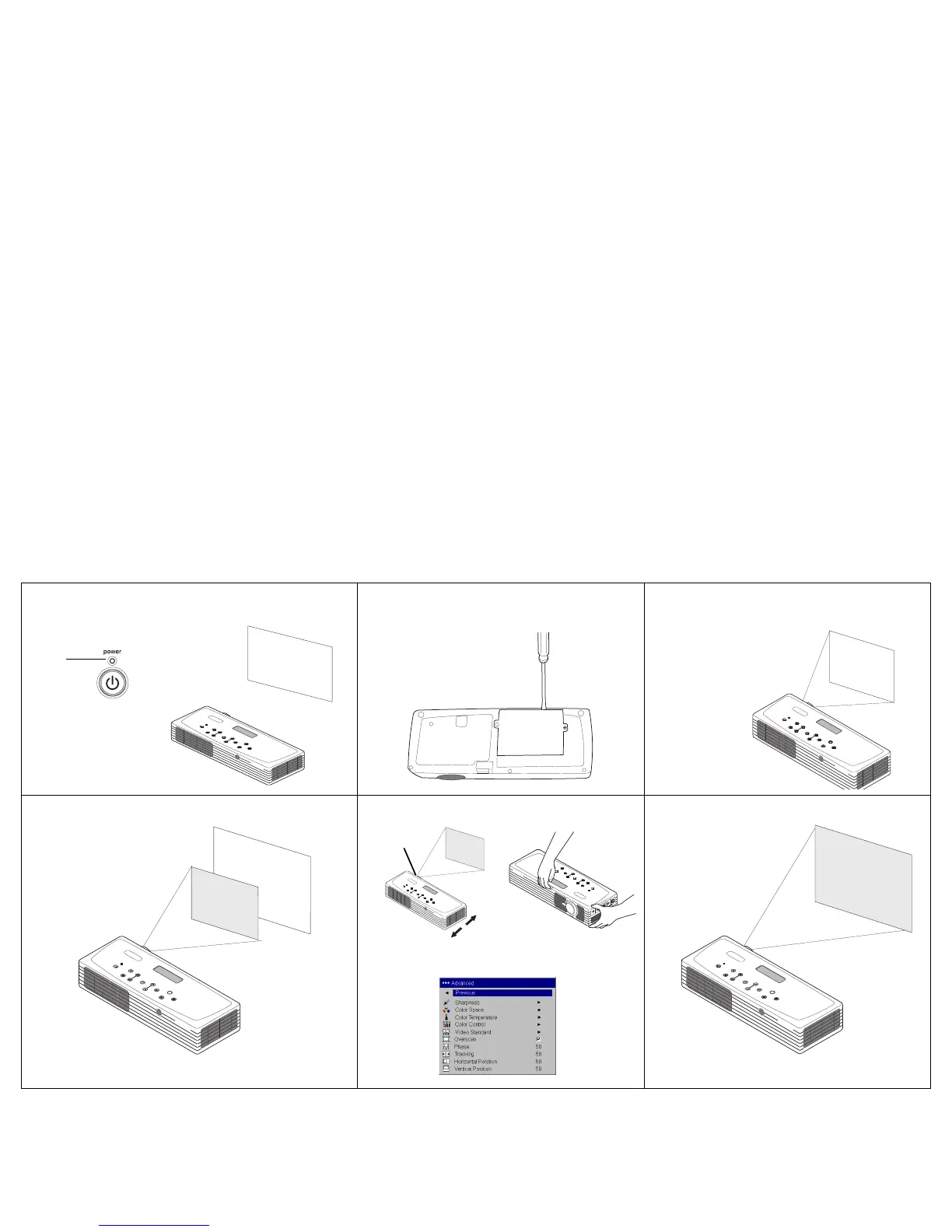
Lamp won’t turn on, Interactive Display says
“Replace lamp” (page 14)
Lamp must be replaced (page 35)
Lamp turns on
Image not centered on screen
Move projector, adjust zoom, adjust height
Correct image
blinks
red
startup
screen
Adjust horizontal or vertical position in
Picture>Advanced menu
zoom



 To Next Page