33
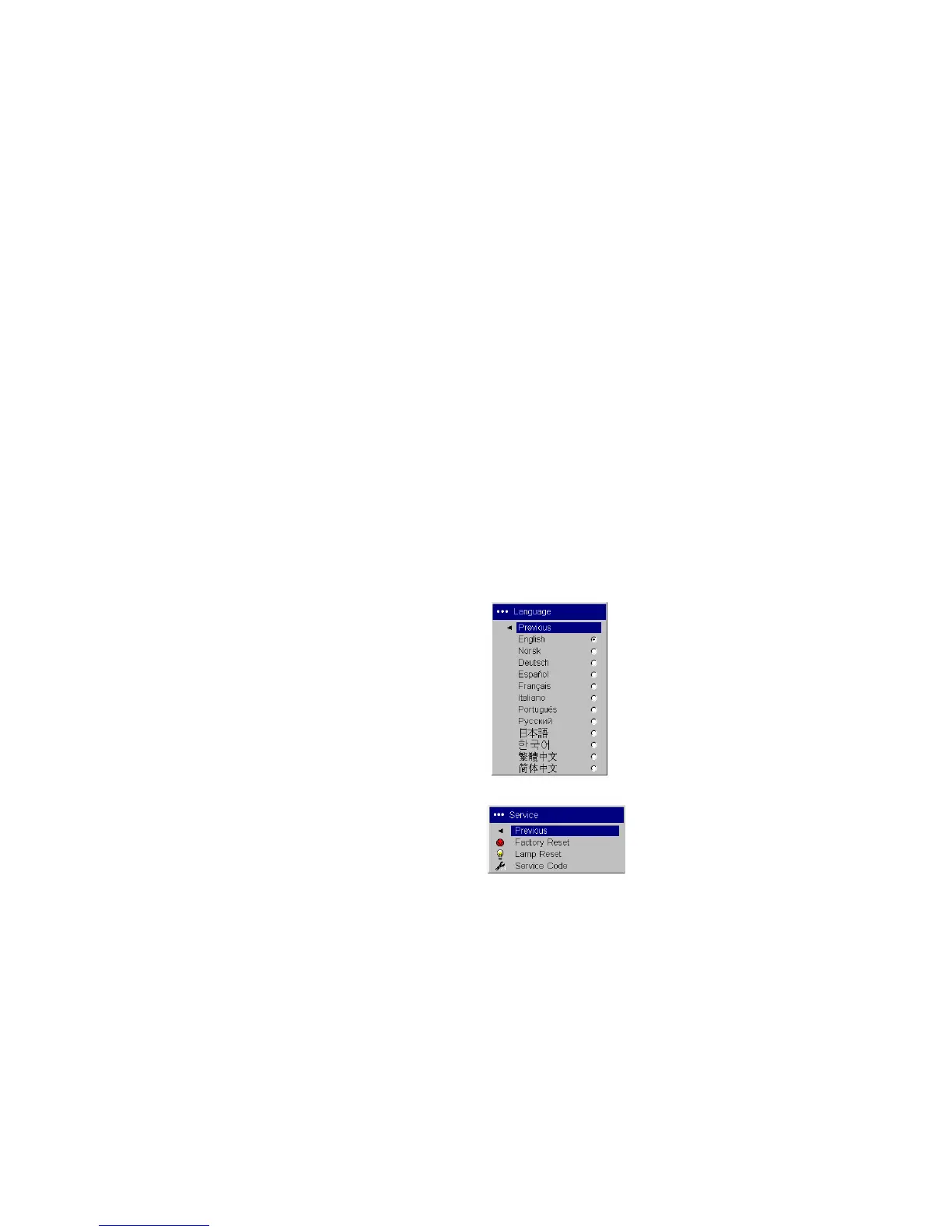
Language: allows you to select a language for the onscreen display of
menus and messages.
Service: to use these features, highlight them and press Select.
Factory Reset: restores all settings (except Lamp Hours) to their default
after displaying a confirmation dialog box.
Lamp Reset: resets the lamp hours counter in the About menu to zero after
displaying a confirmation dialog box. Do this only after changing the lamp.
Service Code: only used by authorized service personnel.
Language
Service menu



 To Next Page