12
Setting up the Projector
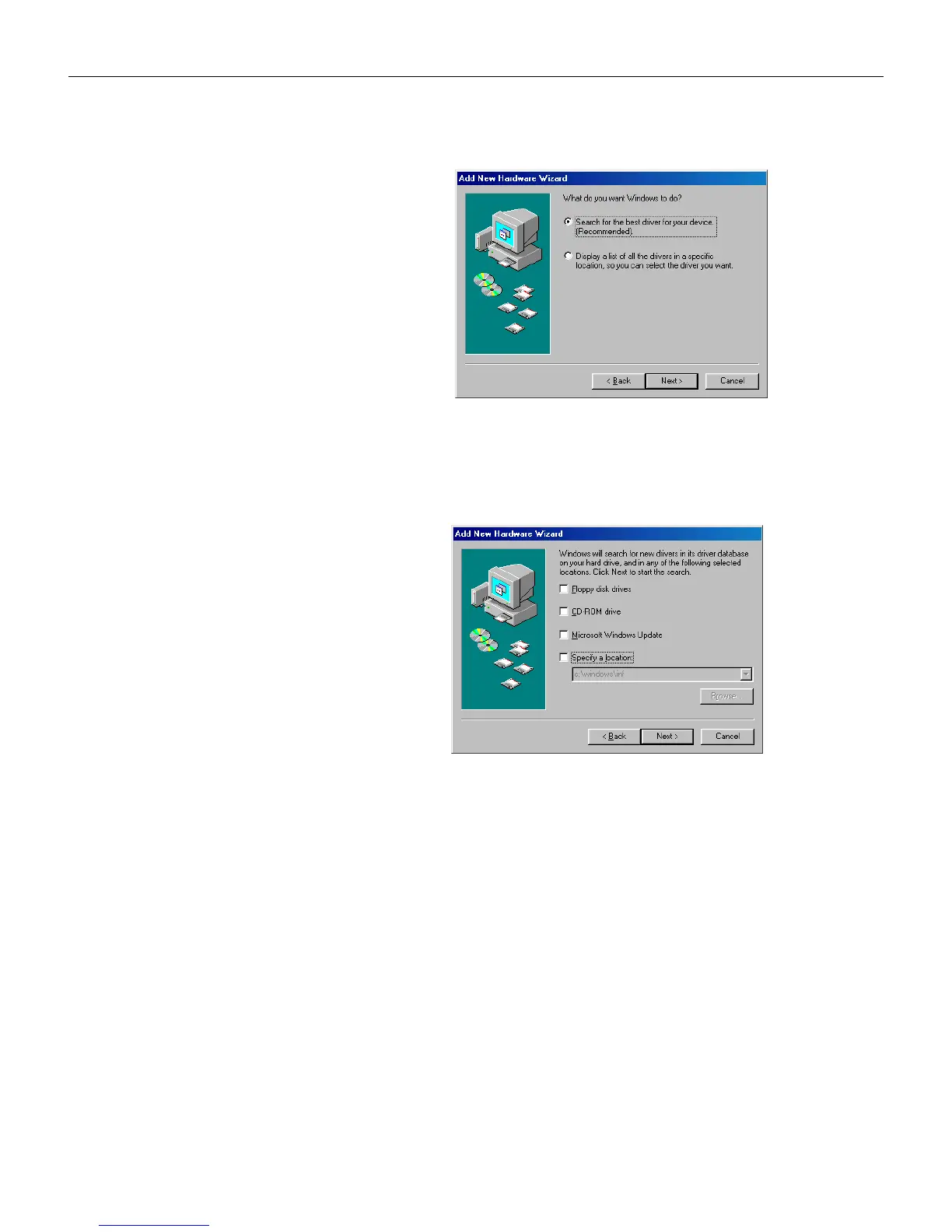
Uncheck any checked boxes, then click Next. Windows auto-
matically locates the driver. If this driver has been removed,
reload the driver using your Windows operating system CD.
When Windows finds the driver, you are ready to install it.
Click Next.
LP70.book Page 12 Friday, February 13, 2004 7:39 AM



 To Next Page