13
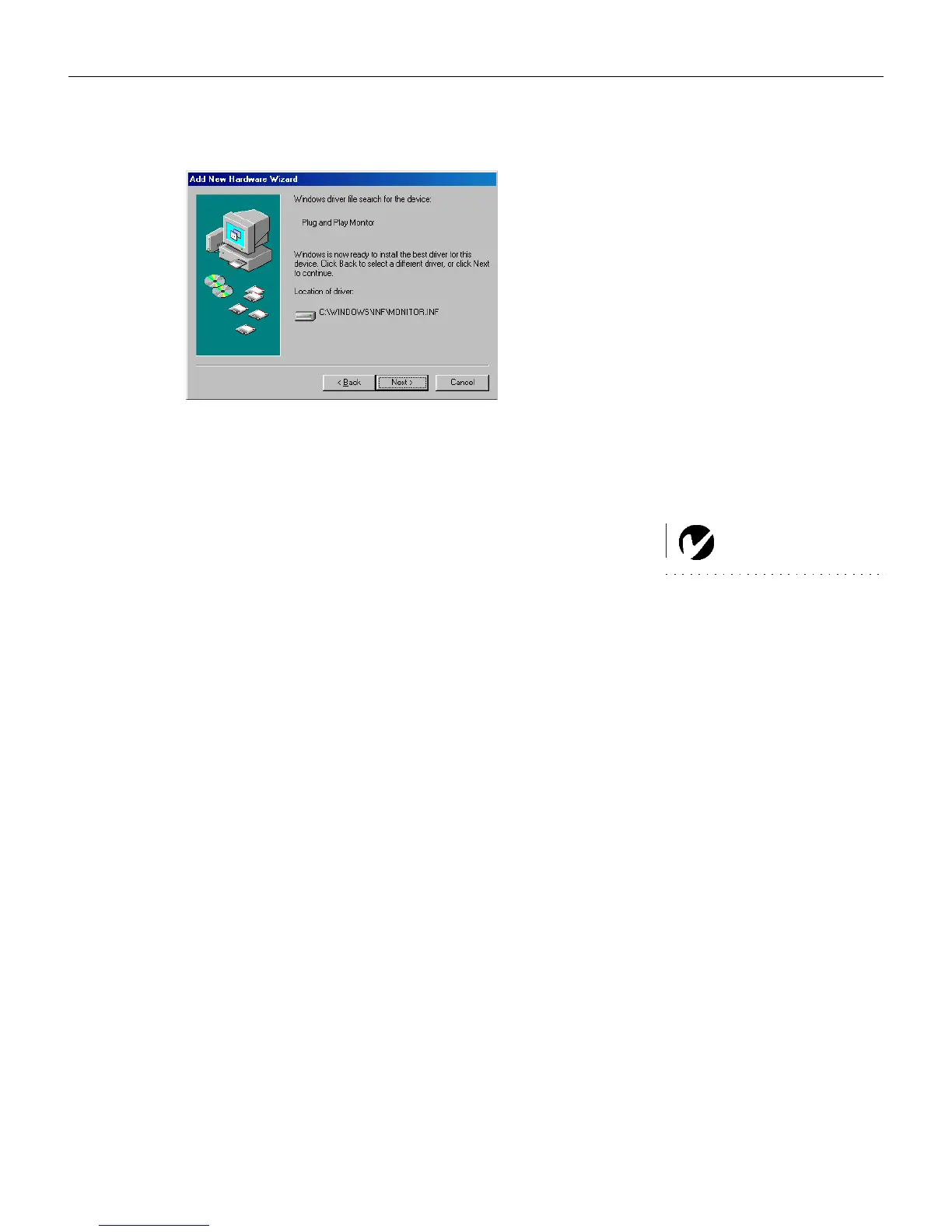
Click Finish when installation is complete.
6 The computer image should display on the projection screen.
If it doesn’t, press the
Source/Select button on the keypad or
the
Computer button on the remote to display your com-
puter’s image.
NOTE: With some computers,
the order in which you power up
the equipment is very important.
Most computers should be turned
on last, after all other peripherals
have been turned on. Refer to your
computer’s documentation to
determine the correct order.
•
Make sure your laptop’s external video port is activated;
see your laptop’s documentation for details.
• If necessary, make adjustments to the image using the pro-
jector’s on-screen menus. To open the menus, press the
Menu button on the keypad or remote. For more informa-
tion about the menus, see page 21.
LP70.book Page 13 Friday, February 13, 2004 7:39 AM



 To Next Page