26
Using the Projector
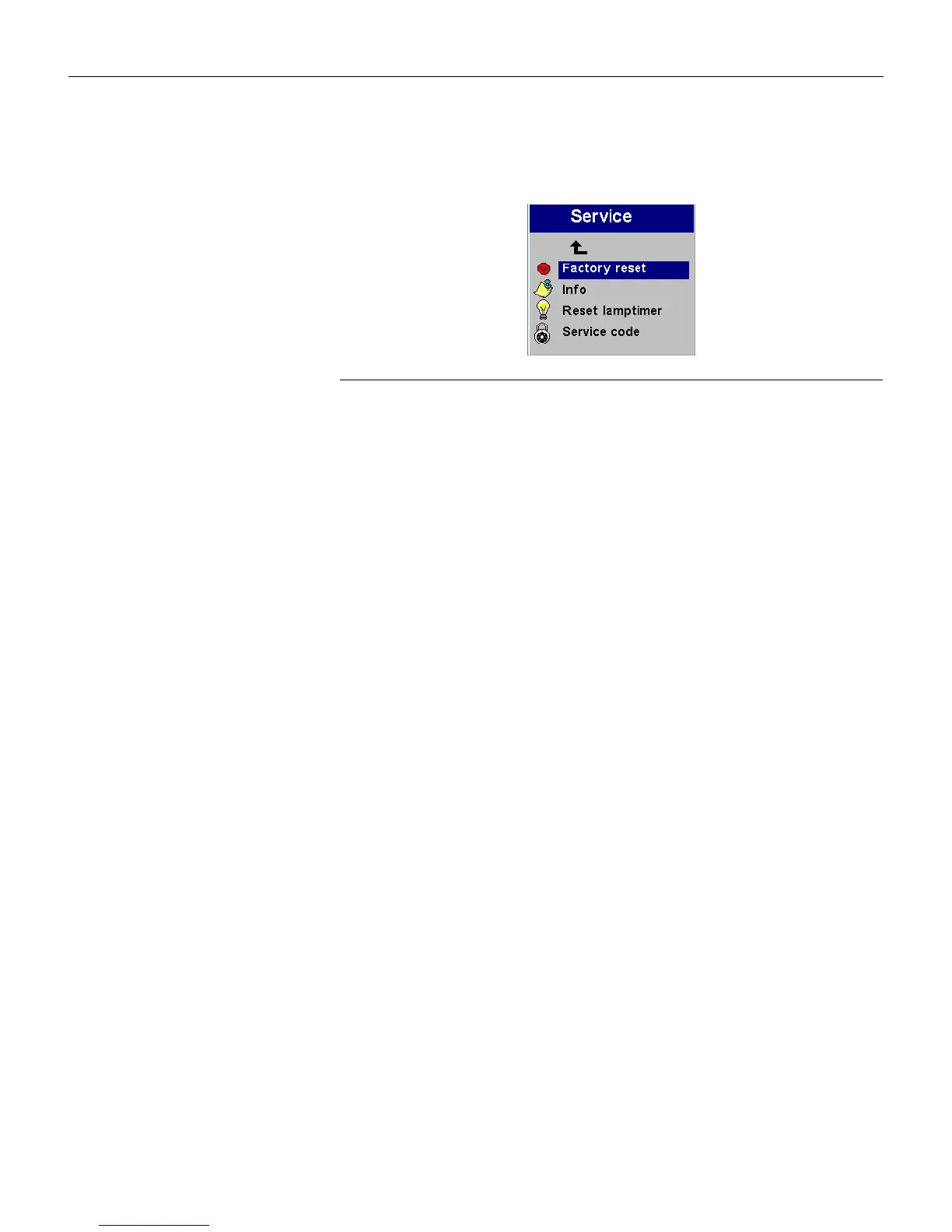
Service menu
FIGURE 21
Service menu
• Factory reset
: This resets all options (except rear, language, and
lamp time) to the original factory settings. Highlight it, then
press
Select. A confirmation dialog box appears. Press Select to
reset, or press the right arrow button to highlight No, then
press
Select if you don’t want a reset.
• Info: This read-only window provides information on the pro-
jector’s software, the number of hours the current lamp has
been in use, and selected image settings. Press
Select to close
this window.
• Reset lamptimer: This resets the lamp hour timer to zero. After
replacing the lamp (page 30), highlight Reset lamptimer, press
Select, then press it again to confirm your selection. The timer
in the Info window resets to zero.
• Service Code: This window can only be accessed by service per-
sonnel by entering a code.
LP70.book Page 26 Friday, February 13, 2004 7:39 AM



 To Next Page