EasyManua.ls Logo

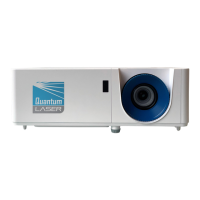
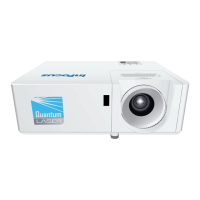
InFocus Quantum Laser Core Series - User Manual

InFocus Quantum Laser Core Series
68 pages
Print Icon
To Next Page IconTo Next Page
Loading...
www.infocus.com
© Copyright InFocus
DEC 2021 | VERSION 1.00
Quantum Laser Core Series
INL144, INL154, INL146, INL156, INL148, INL158
INSTALLATION AND USERS GUIDE

Table of Contents

Questions and Answers

  • J
    Joseph GarciaAug 10, 2025
    How to fix InFocus Quantum Laser Core Projector that will not turn on?
    • D
      David TaylorAug 10, 2025
      If your InFocus Projector isn't turning on, first ensure the power cable is securely connected and the power indicator is illuminated. If the projector has overheated, provide at least 30cm of clearance around the intake and exhaust vents. Allow five minutes for cooling, then try again. If operating above 5500 ft/1600 m, enable High Altitude mode in the On Screen Display (OSD) menu.
  • S
    Stephen LeonardAug 23, 2025
    Why does my InFocus Quantum Laser Core Projector turn off by itself?
    • V
      Victoria MillerAug 23, 2025
      If your InFocus Projector turns off automatically, it might be due to the Auto Power Off timer setting. You can adjust this setting through the On Screen Display (OSD) menu.

InFocus Quantum Laser Core Series Specifications

General IconGeneral
Display TechnologyDLP
ResolutionUp to 4K UHD (3840 x 2160)
Light SourceLaser
Brightness5000-7000 Lumens (depending on the specific model)
Contrast Ratio3, 000, 000:1
Throw RatioVaries depending on the specific model (e.g., 0.25:1, 0.78-0.82:1, 1.2-1.56:1)
ConnectivityHDMI, USB, VGA, RS-232
Features3D Ready

Related product manuals