l
Immediately unplug the projector from the wall outlet:
l
if it has been damaged
l
if water or another substance enters the projector
l
if you smell smoke or other odors coming from the projector
l
during lightning storms
l
when unused for long periods of time
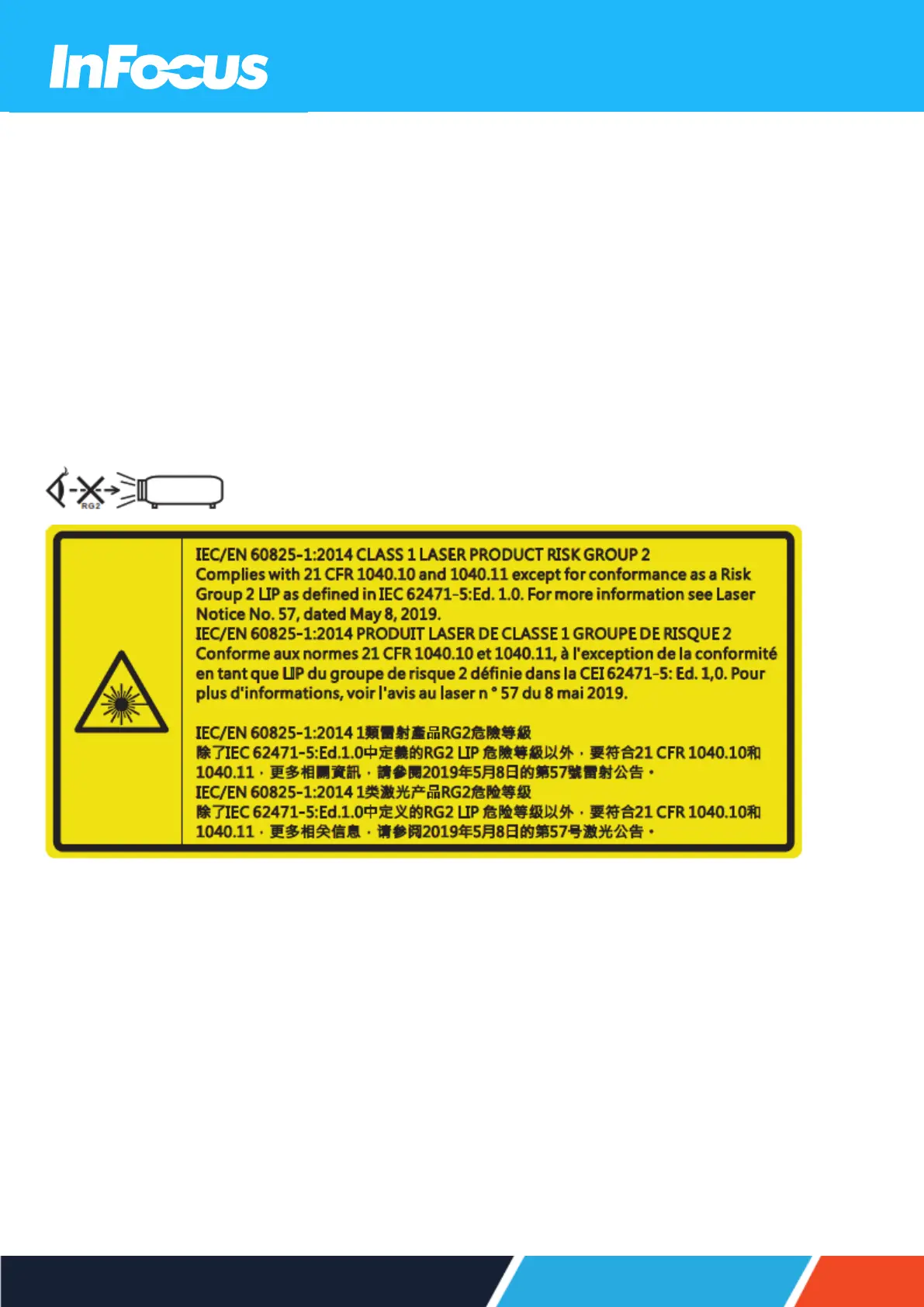
3.1.6 LASER SAFETY INFORMATION
Do not stare into the direct beam.
3.1.7 MAINTENANCE SAFETY INFORMATION
l
Review the instructions in the CLEANING section before cleaning the projector.
l
Disconnect the power supply before cleaning the projector. Do not use abrasive cleaning cloths or chemicals.
3.1.8 SERVICE AND REPAIR SAFETY INFORMATION
The projector contains no user serviceable parts. Contact InFocus for service or repair.
3.2 SAFE DISPOSAL
Follow the instructions in the DISPOSAL section in this user guide for safe disposal of the projector.
15






 To Next Page