25
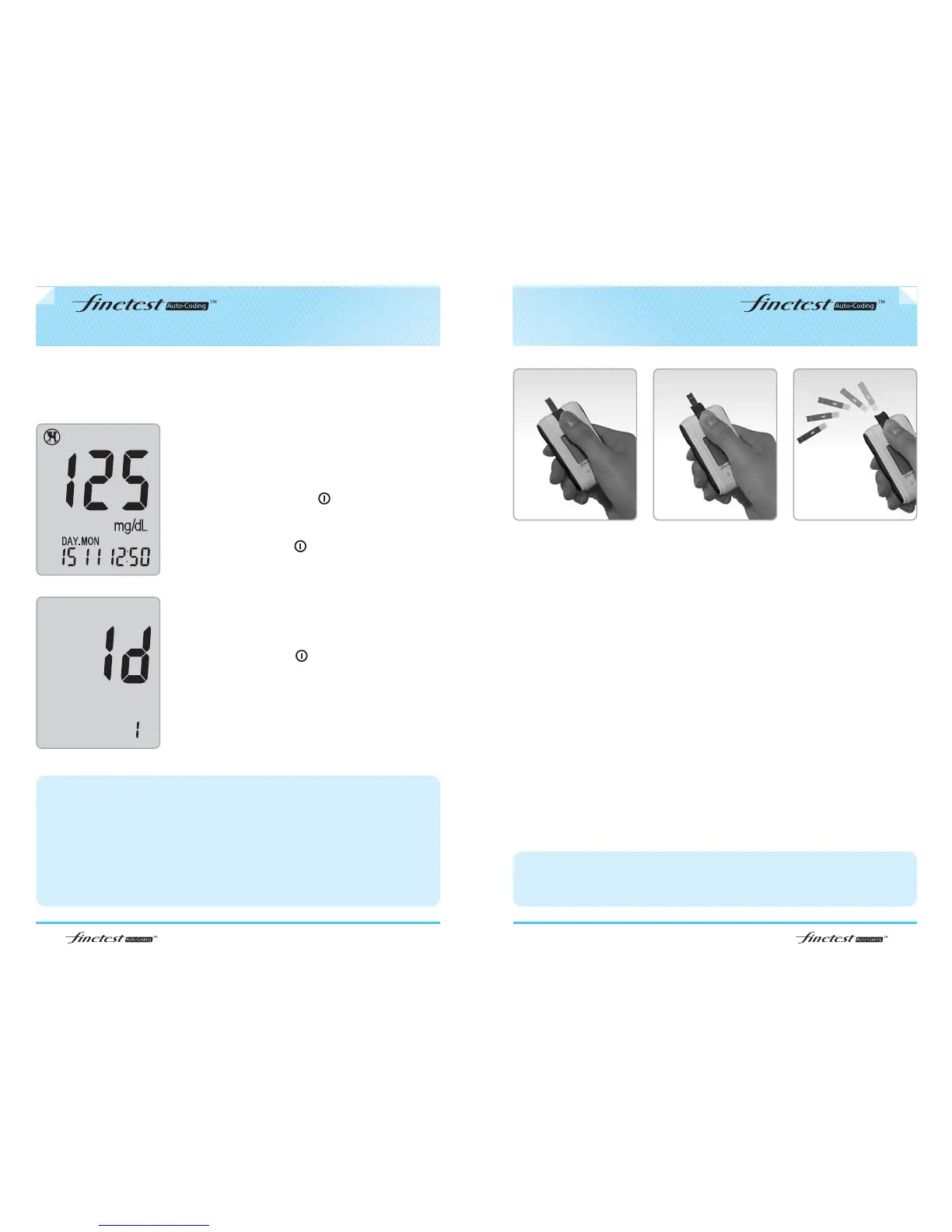
Test strip ejector function
24
Testing Procedure
Step 4-1
If you selected to use the User Activity option
during set up, press up and down button to
select the activity that correlates with your result
(refer to p10), then press .
If you do not select to use user activity option
during set up, press to continue to step 4-2.
Step 4-2
If you selected to use the User ID option during
setup, press
▲ and ▼ button to select the correct
User ID, then press .
1. After checking your test result, slide the ejector button twice forward to
remove the test strip from the meter.
2. Discard the used strip and lancet to a proper place, according to the local
regulation.
caution
1. If you did not activate the User Activity option and/or the User ID option, Step 4-
1 and/or Step 4-2 procedures are not conducted.
2. Although User Activity option and/or User ID option are activated, if you pull the
test strip out right after the test, you can not move onto step 4, The test result is
stored, not under a specific User ID and only displayed after deactivating the
User Id option.
3. Please refer to page 13, if you want to set the User Activity option and User ID
option.
Caution
1. If you push the ejector button forward too much, it may be damaged.
2. Do not give strong impact to meter.
Testing Your Blood - Case of activated User Activity option and User
ID option



 To Next Page