29
Blood Glucose Program
28
Deleting Test Results
finetest Auto-coding
TM
has the deletion function.
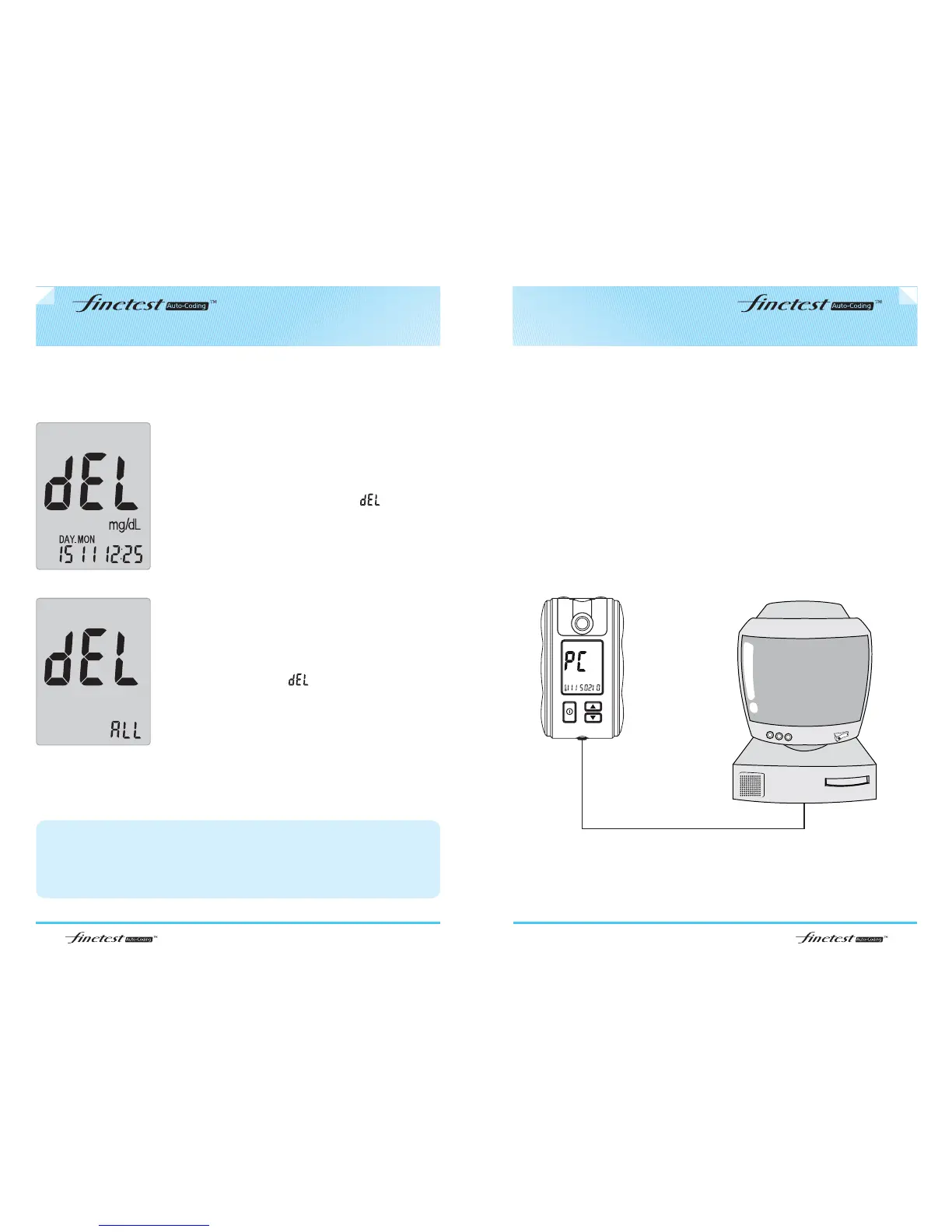
deleting individual test result
To delete any individual test result in the memory
press ▲ or ▼ button for 3 seconds, while the
test result to delete is displayed. is blinking.
After the second beep sound the test result is
deleted.
You can transfer test results from the finetest Auto-coding
TM
meter to a computer
where the data can be further analyzed.
You can download for free the finetest Auto-coding
TM
Blood Glucose Program at
our web site http://www.infopia21.com
You can purchase the communication cable separately from a local
representative.
deleting all test results
To delete all test results press ▲ and ▼ button
at the same time for 3 seconds, while any test
result is displayed. is blinking. After the third
beep sound all test results are deleted.
caution
1. Only selected Individual test results are deleted when you recalled test results in
the user ID condition
2. The deleted test results can’t be recovered. Please be careful in deleting the
test results.



 To Next Page