1312
Test Strip Information
Storage and Handling Caution
1. Keep out of direct sunlight.
2. Store the finetest Auto-coding
TM
Test Strip vials in a cool, dry place between
2-30°C. Do not refrigerate or freeze.
3. Make a notation of the discard date on the vial label when you first open it.
Discard remaining finetest Auto-coding
TM
Strips 3 months after first opening
the vial.
4. Close the vial cap tightly immediately after removing a finetest Auto-coding
TM
test strip.
5. Do not use test strips after the expiration date printed on the package or vial
since it may cause inaccurate results.
6. Avoid getting dirt, food or water on the test strip. Do not bend, cut, or alter
the finetest Auto-coding
TM
Strip.
7. finetest Auto-coding
TM
test strips are for single use only.
8. Keep the test strip bottle away from children.
9. Please refer to the user’s manual for finetest Auto-coding
TM
blood glucose test
strip for additional information.
Before Testing - Setting the Meter
Important
power on
Press for 3 seconds at least
The finetest Auto-coding
TM
has a variety of excellent functional modes
and options:
Up to 5 alarms at planned testing times, unique User ID option, ability to
designate activities related to the test result, and the ability to designate three
different numbers of days for average calculation.
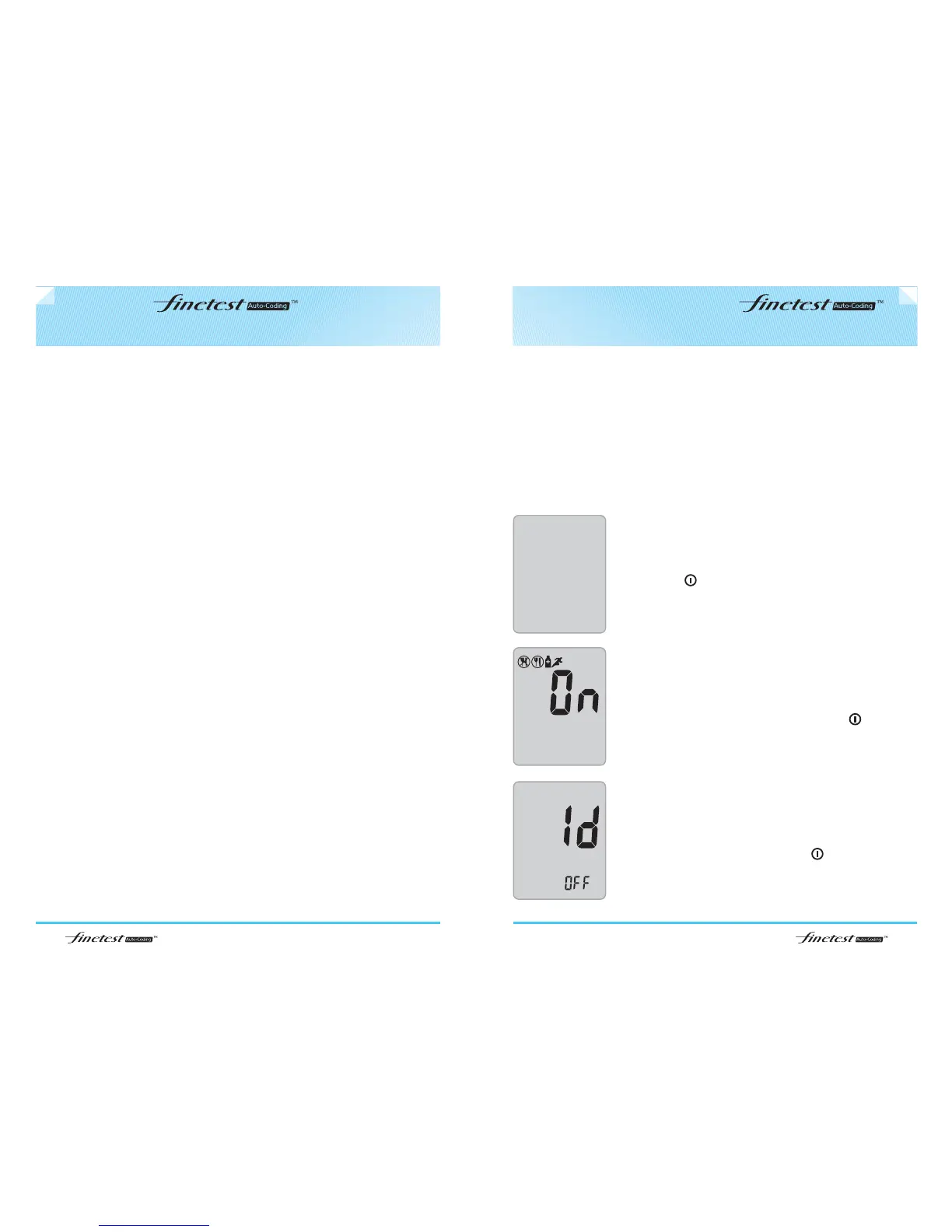
User Activity option
After pressing and releasing either ▲ or ▼ buttons to turn
the user Activity option on/off, confirm with .
User ID option
After pressing and releasing either ▲ or ▼ buttons to turn
User ID option on/off, confirm with .



 To Next Page