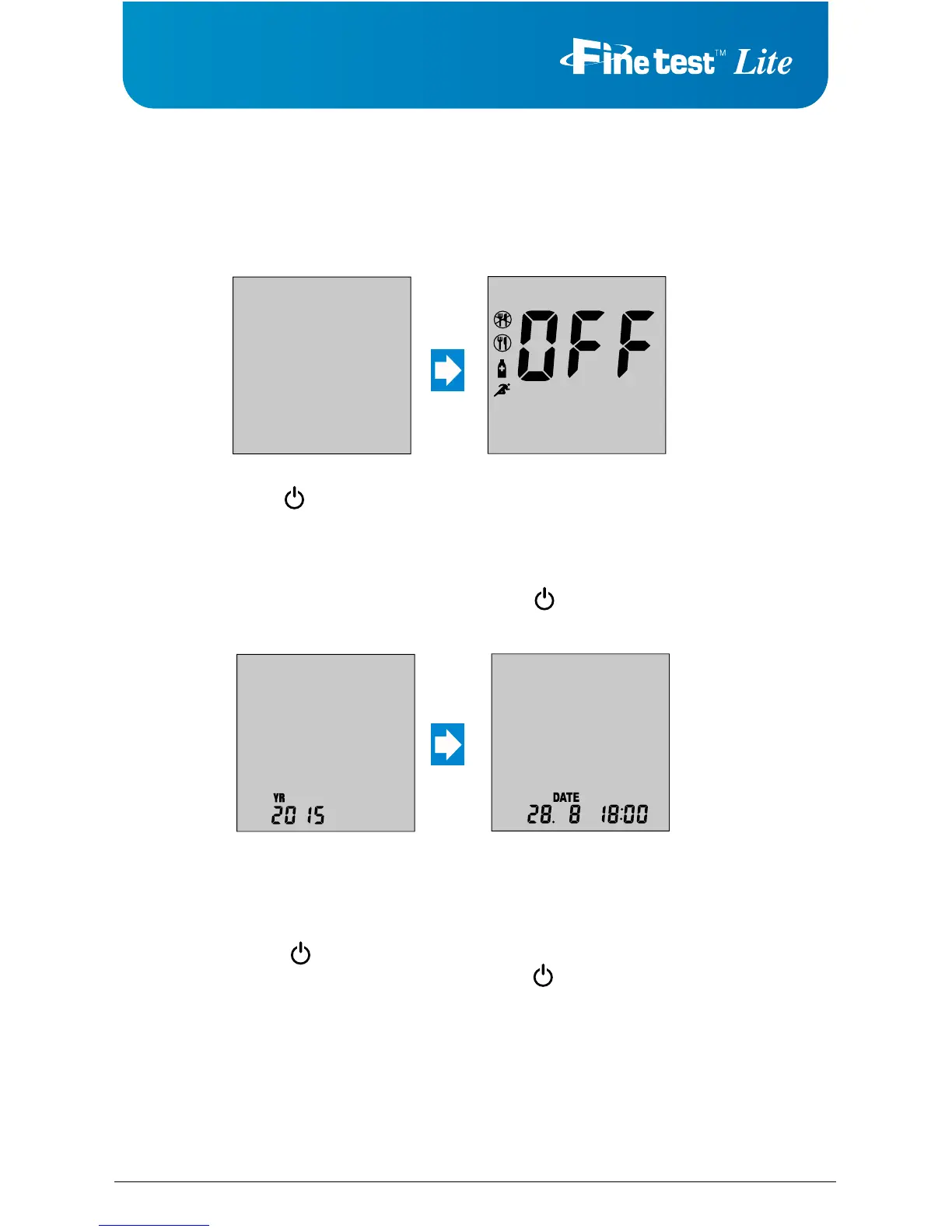
mode you can turn activity/meal flags, set the date/time, designate three unique averages,
Number of days for
average
After pressing and releasing
either or buttons to set
the number of days for
average calculation (3
different settings possible),
push button.
Alarm on/off
After pressing and
releasing either or
buttons to turn the alarm
on/off, push button.
Temperature Unit
After pressing and
releasing either or
buttons to set
℃
or
℉
and
push button.
Alarm time
After pressing and releasing
either or buttons to set
the alarm hour and minute,
push button.
Alarm
After programming the
number of desired alarms
(5 alarms possible),push
button.
CAUTION
1. You cannot test your blood glucose in the setting mode.
2. To turn the meter off during the setup, press for at least 3 seconds.



 To Next Page