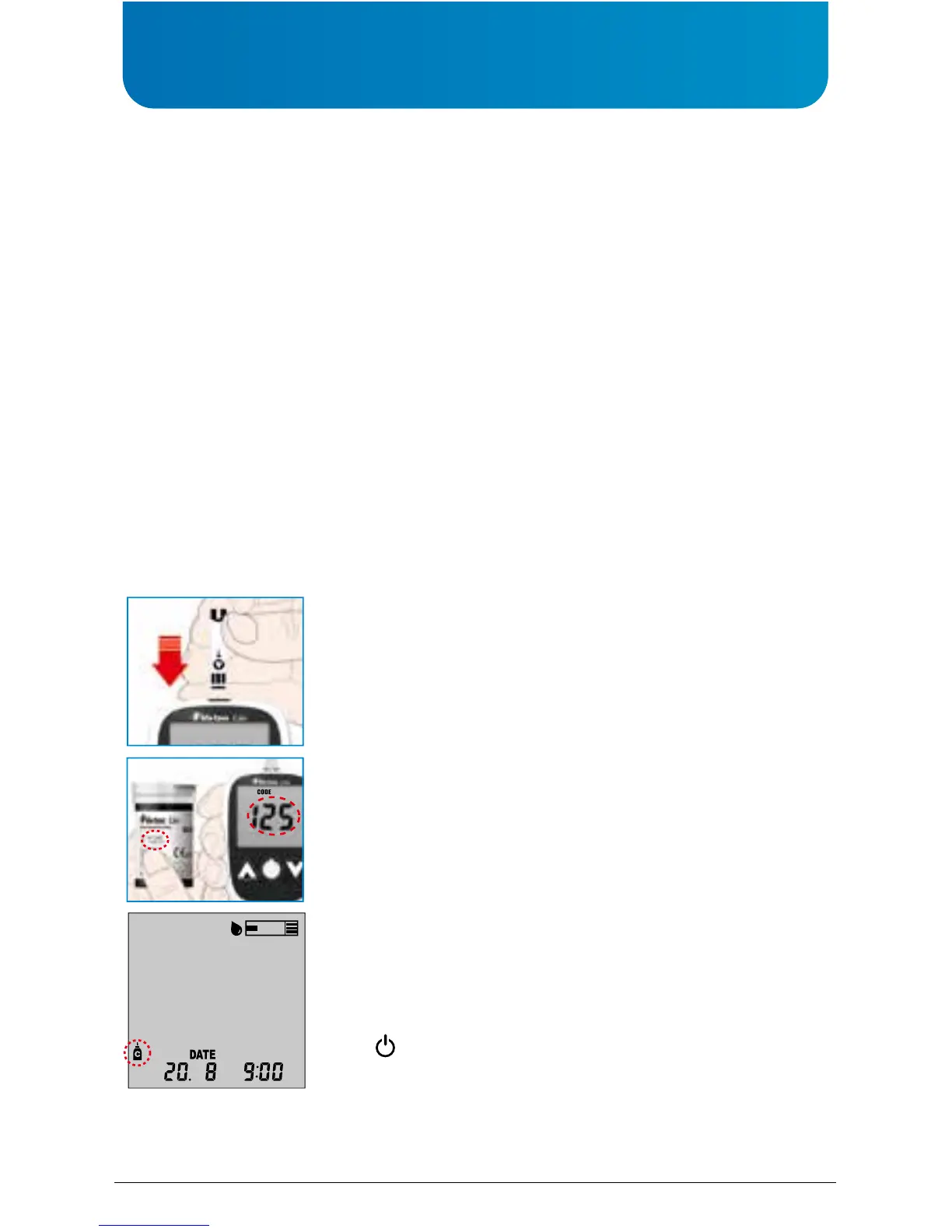
Auto-coding Function
1.
Finetest™ Lite
has automatic code recognition function
(e.g. CODE 125)
2. It recolonises the code number automatically. This is a
very convenient function preventing the inconve-
nience of setting the code number on the glucose test
meter every time. Check the code onon the container
to see if the codes match
CAUTION
1. Do not bend the glucose test strip to prevent the automatic code recognition failure.
2. If the code recognition label is damaged, code recognition may fail. Please check the
code number on the LCD window together with the code number on the glucose test
strip container to see if code numbers match each other.
Performing a Glucose Control Solution Test
Finetest™ Lite
control solution contains a known amount of glucose that reacts with
Finetest™ Lite
test strip. By comparing your control solution test results with the expected
range printed on the strip container, you are able to check that the meter and test strips are
working properly, and that you are performing the test correctly. it is very important that you
perform routine checks to ensure accurate results.
The Glucose control solution should be used:
- Before using a new box of test strips.
- Whenever you suspect the blood glucose test meter or blood glucose test strip is not
functioning properly.
- If your blood glucose test results are not consistent with your symptoms, or if you think
results are not accurate.
- If you have dropped the blood glucose test meter.
- For quality control in the point of care usage.
- For teaching or learning the system.
- When using the meter for blood glucose tests after any disinfection procedure.
Firmly insert the test strip into the meter test port. Insert
deeply in direction of arrow on test strip (arrow down). Please
do not insert the glucose test strip upside down.
When you insert the glucose test strip into the glucose test
meter, the power automatically adjusts the meter
accordingly.
Press and release either the or button, then, Control
Solution container icon will appear. Then, press
( ).



 To Next Page