• 36 • • 37 •
Transferring Your Result Data
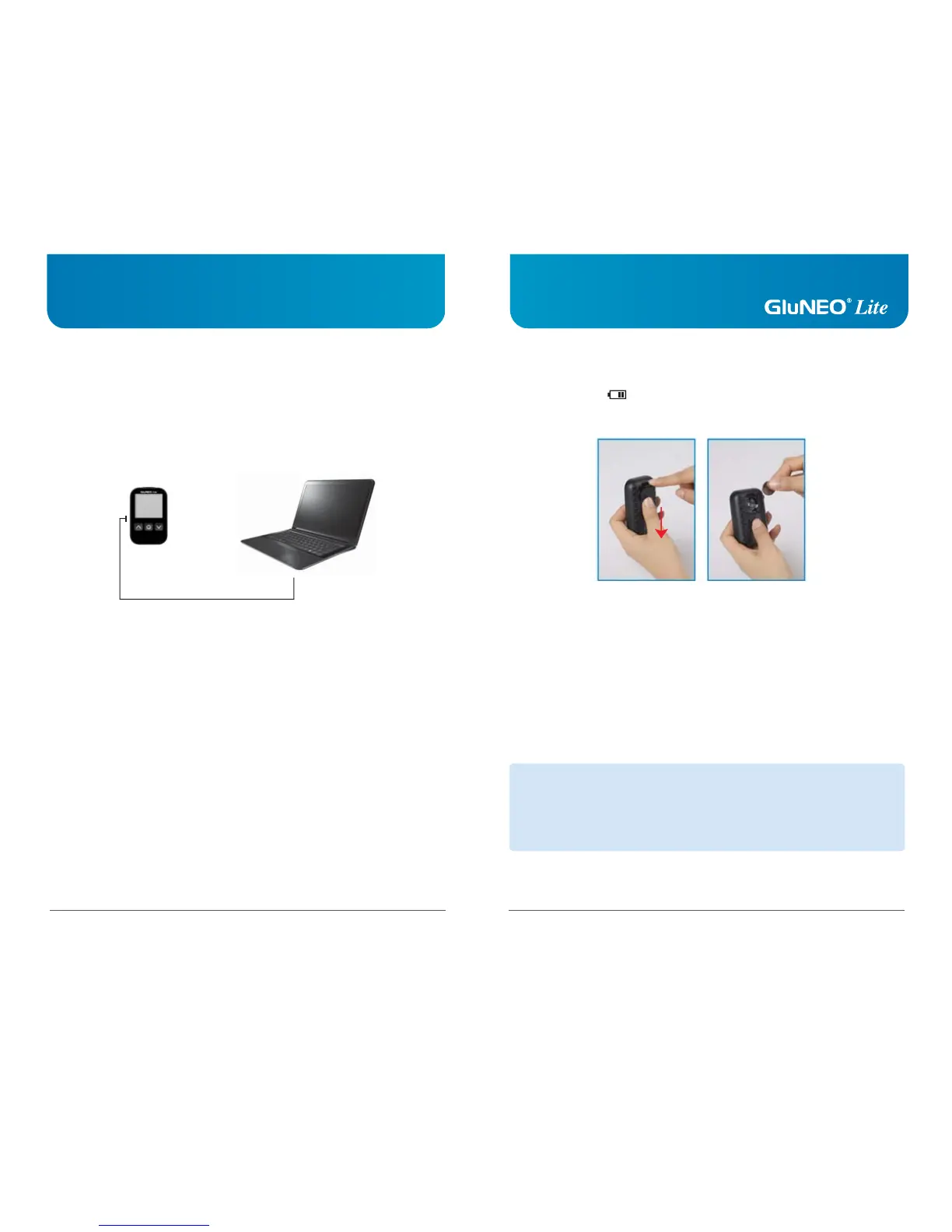
You can transfer test results from the GluNEO
®
Lite meter to a computer.
You will need to download the software from the following web site
(http://www.infopia21.com) and purchase the computer cable from your local representative.
This is sold separately.
[User]
[cable]
[PC]
Follow-up Action
1. Check your meter with the glucose control solution.
2. Perform your test again.
3. If you are experiencing symptoms that are not consistent with your
blood glucose test results, call your healthcare professional.
NOTE
1. Make sure your date and time are correct after changing your battery.
2. Please recycle or dispose of used batteries using your local battery collection systems
and in compliance with your local environmental laws and regulations.
3. Caution risk of explosion if battery is replaced by an incorrect type.
Battery Installation
The low battery icon will appear in the upper left corner of the LCD display to alert
you when the battery power is running low, which is an indication that a new battery is
needed.
Your GluNEO
®
Lite blood glucose test meter uses only one 3V lithium battery (CR2032),
which is included. When replacing battery, only CR2032 or equivalent lithium battery should
be used.



 To Next Page