INFOSEC UPS SYSTEM - 4, rue de la Rigotière - 44700 Orvault - FRANCE - www.infosec-ups.com
Hot Line – Tel + 33 (0)2 40 76 15 82 - Fax + 33 (0)2 40 94 29 51 - hotline@infosec.fr – 11 17 AA 59 204 18
4) Remove the cabinet cover, and then modify the jumpers (CN1) on the control board
to set the battery numbers as following table:
Note:1 = connect with jumper; 0 = no jumper; x = the pins are for other functions.
5) Modify the battery pack for the setting number carefully. After complete it, put the
cover back, and switch on the battery breaker for long-run model.
6) Switch on the input breaker and the UPS will enter Bypass mode.
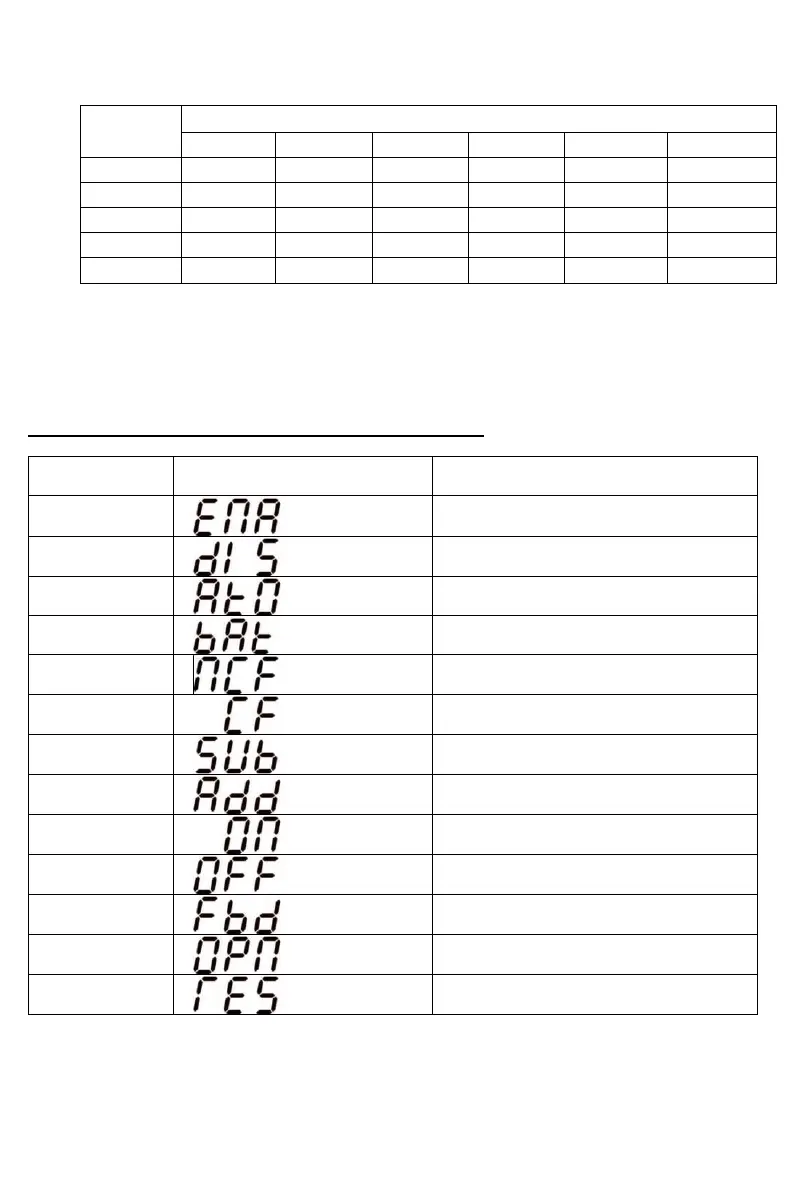
3-5. Meaning of the abbreviations on the LCD Display
Normal mode (not CVCF mode)
CVCF mode (frequency converter
mode)















 To Next Page