INFOSEC UPS SYSTEM - 4, rue de la Rigotière - 44700 Orvault - FRANCE - www.infosec-ups.com
Hot Line – Tel + 33 (0)2 40 76 15 82 - Fax + 33 (0)2 40 94 29 51 - hotline@infosec.fr – 11 17 AA 59 204 18
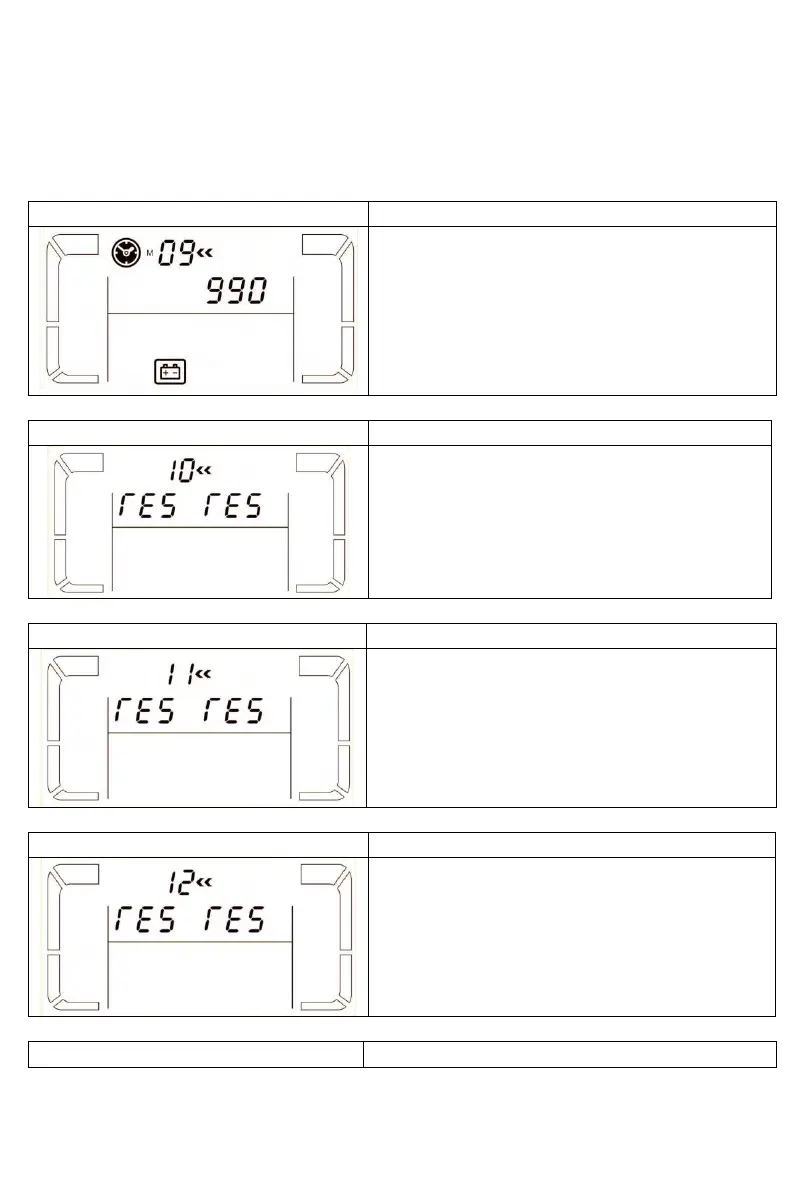
09: Battery maximum discharge time setting
Parameter 3:
000~999: Set the maximum discharge time from
0 min. to 999 min. UPS will shut down to protect
battery after discharge time arrives. The default
value is 990 min.
DIS: Disable battery discharge protection and
backup time will depend on battery capacity.
10: reserved
11: reserved
12: reserved
13: Battery voltage calibration















 To Next Page