INFOSEC UPS SYSTEM - 4, rue de la Rigotière - 44700 Orvault - FRANCE - www.infosec-ups.com
Hot Line – Tel + 33 (0)2 40 76 15 82 - Fax + 33 (0)2 40 94 29 51 - hotline@infosec.fr – 11 17 AA 59 204 18
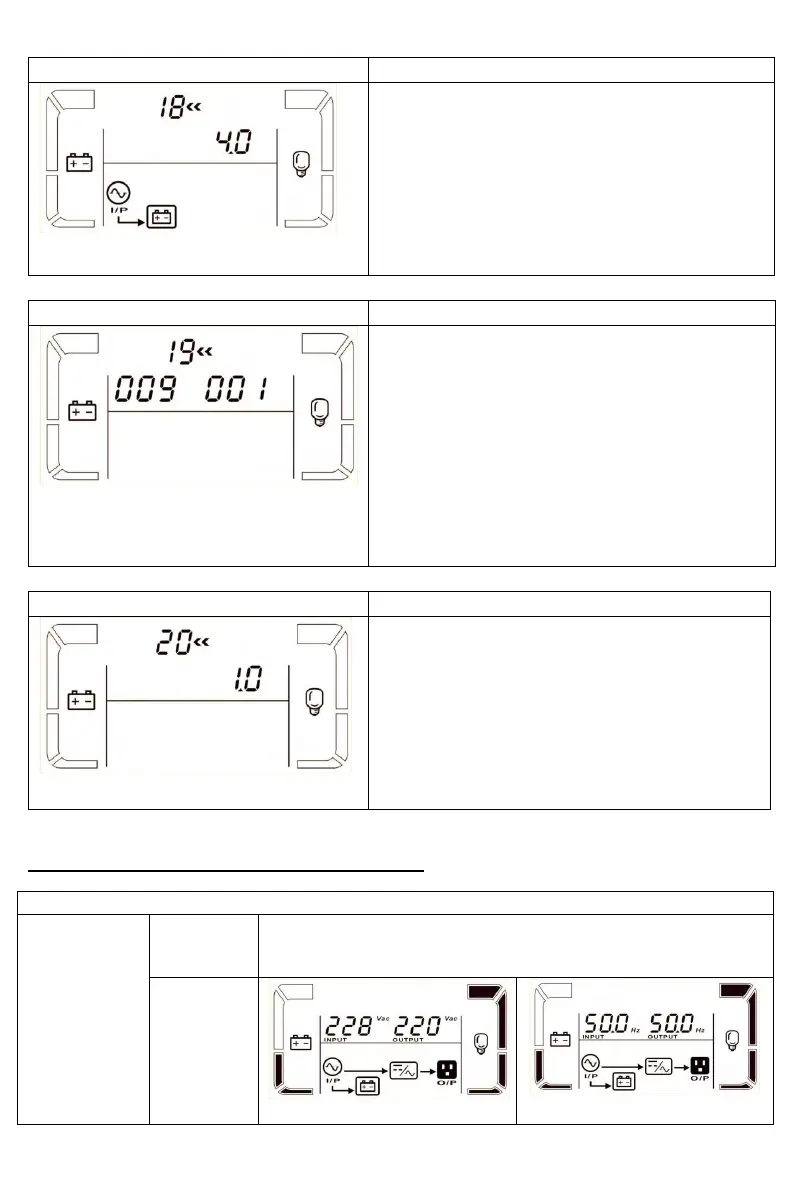
Parameter 3:
The maximum charging current could be
adjusted.
Default value is 4A for long run model and 1A
for standard model.
The available options are 1A, 2A, 4A and 6A.
6A is only available for the UPS with 16 pieces
of batteries.
19: Battery capacity and groups setting
Parameter 2:
Set the battery capacity such as 7AH, 9AH,
10AH, 12AH, 17AH, 26AH, 40AH, 65AH,
100AH and so on.
The default value is 9AH.
Parameter 3:
Set battery group range from 1 to 6.
The default value is 1 group.
These parameters are for the battery backup
time calculation.
20: Backup time calibration
Parameter 3:
Calibrate the displayed backup time by
adjusting this multiplier factor. The formulation
is listed below:
Displayed backup time=Original calculated
backup time x Multiplier factor
The default value of multiplier factor is 1.0 and
the setting range is from 0.5 to 2.
3-7. Operating Mode/Status Description
When the input voltage is within the acceptable range, the
UPS will provide pure and stable AC power to output. The
UPS will also charge the battery in AC mode.















 To Next Page