When the "Encoder Emulation" bit is set, a scaling of the input variable (reference by sub-index 1) is the following:
input value from 0 to 0xFFFF is scaled to output value of 0 to (resolution x 4)
Only the lower 16-bit of the input value is processed.
If the "Encoder Emulation" bit is cleared, output value = input value.
Example: Encoder Output Emulation with resolver value.
0x3160,6 = 0 ; disables encoder output
0x3160,1 = 0x31000400 ; connects encoder output source to the resolver 16-bit value
0x3160,2 = 0
0x3160,3 = 1024 ; resolution : 1024
0x3160,6 = 0x0E03 ; enables encoder output
To emulate the encoder output with An Encoder Input, just set 0x3160,1 = 0x31200400.
3.2.5.4 - Digital Cam
Digital Cam
Index Object Name Type
ttr.
0x30E0 ARRAY Digital Cam positions Integer32 rw
0x30E1 ARRAY Digital Cam configuration register Unsigned16 rw
Cams are fully defined by objects 0x30E0 and 0x30E1. No parameter can be changed if Cam Enable Register is
not 0.
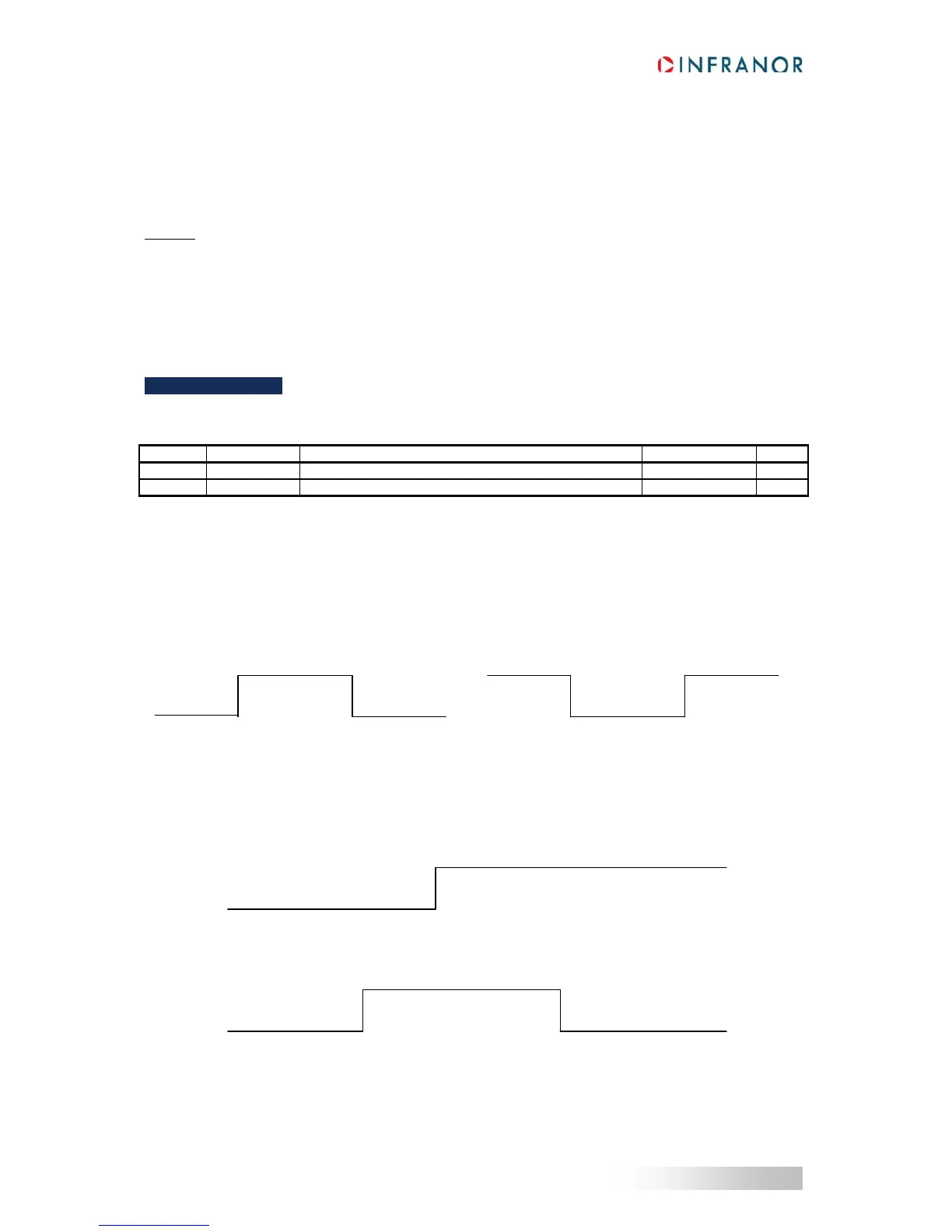
Cam Polarity
Each bit of the Cam Polarity Register allows setting the polarity of the cam output. Normal polarity (polarity bit = 0)
sets the cam output with value 1 when the cam is active.
Cam Type
Each bit of the Cam Type Register defines the cam type.
Cam Type = 0: Cam defined by 1 position.
Cam Type = 1: Cam defined by 2 positions.
Cam Output
Polarity = 0 Polarity = 1
Cam Position 1
Cam Position 1 Cam Position 2



 To Next Page