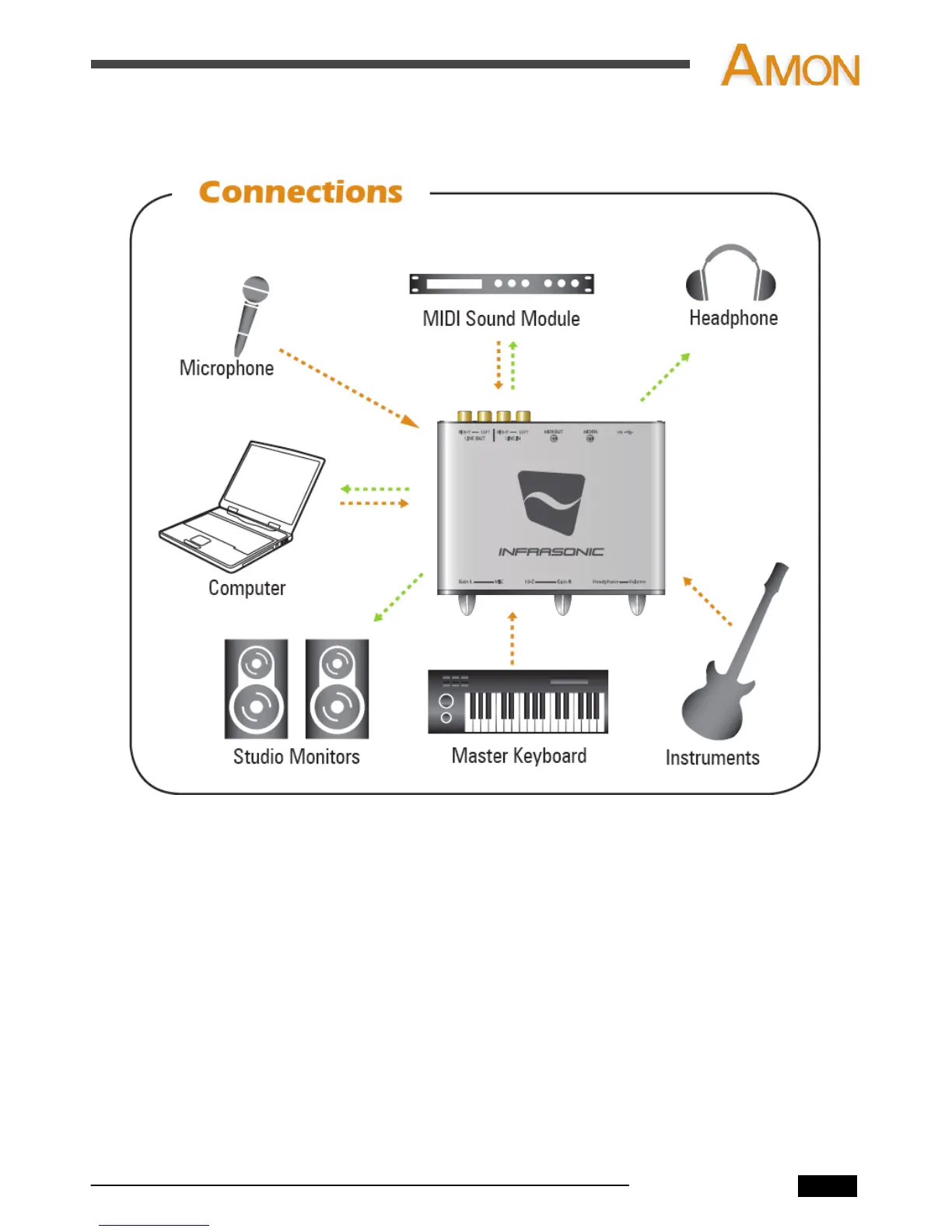
3. Connections
1. Connect the AMON to USB port on Computer with the included USB cable.
2. Find the USB port on the rear of your AMON.
3. Connect provided USB cable (Plug type series B) to your AMON.
4. Find the USB port on your computer.
5. Plug the AMON’s USB cable (Plug type series A) into the USB port of your computer.
6. Connect the AMON to your equipment (mixer, monitoring system, microphone,
instruments, etc.)
AMON User’s Manual
4


 To Next Page