AMON User’s Manual
5
4. Software installation
4.1 Driver software installation
This manual contains a step by step guide for driver software installation to your OS.
If you have any difficulties during installation, please contact our technical support
department.
NOTE:
1. Before starting the driver software installation, prepare your original OS software,
as you may need it during installation. Also please make sure that you have installed
a recent version of the chipset drivers and patches provided by your manufacturer
for your motherboard.
2. The AMON CD-ROM currently does not include the driver software for Mac OS.
Please check http://www.infra-sonic.com for driver updates and last minute issues
regarding the AMON.
4.1.1 Installation (Windows® OS)
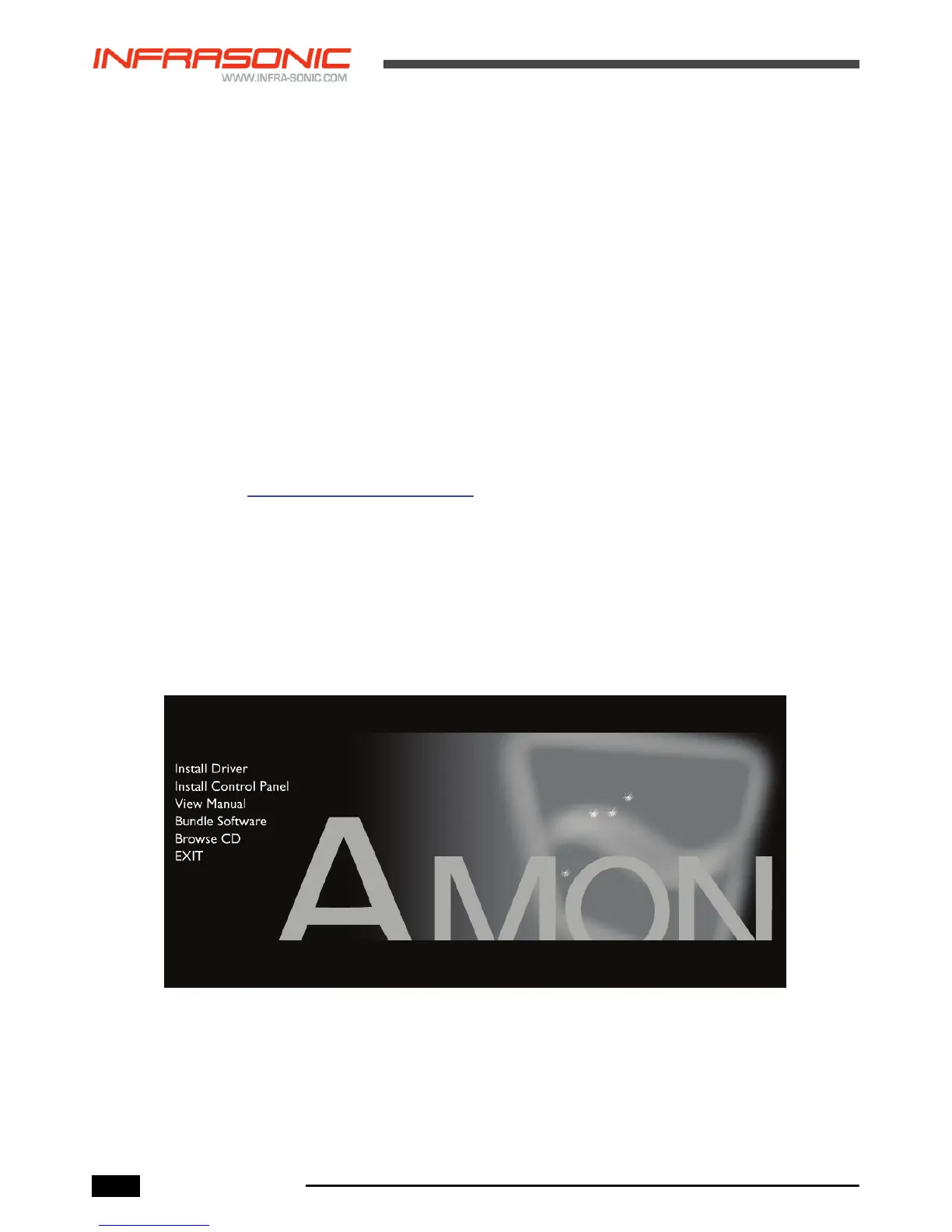
1. Insert the provided CD-ROM in your CD or DVD disc drive and wait for the following
menu to pop up. Click “Install Driver” to proceed with the driver installation.
Unplug your AMON before starting installation.


 To Next Page