USER GUIDE
• 11/28 Copyright © 2012 Ingenico
R11 900017771 000 02 All rights reserved
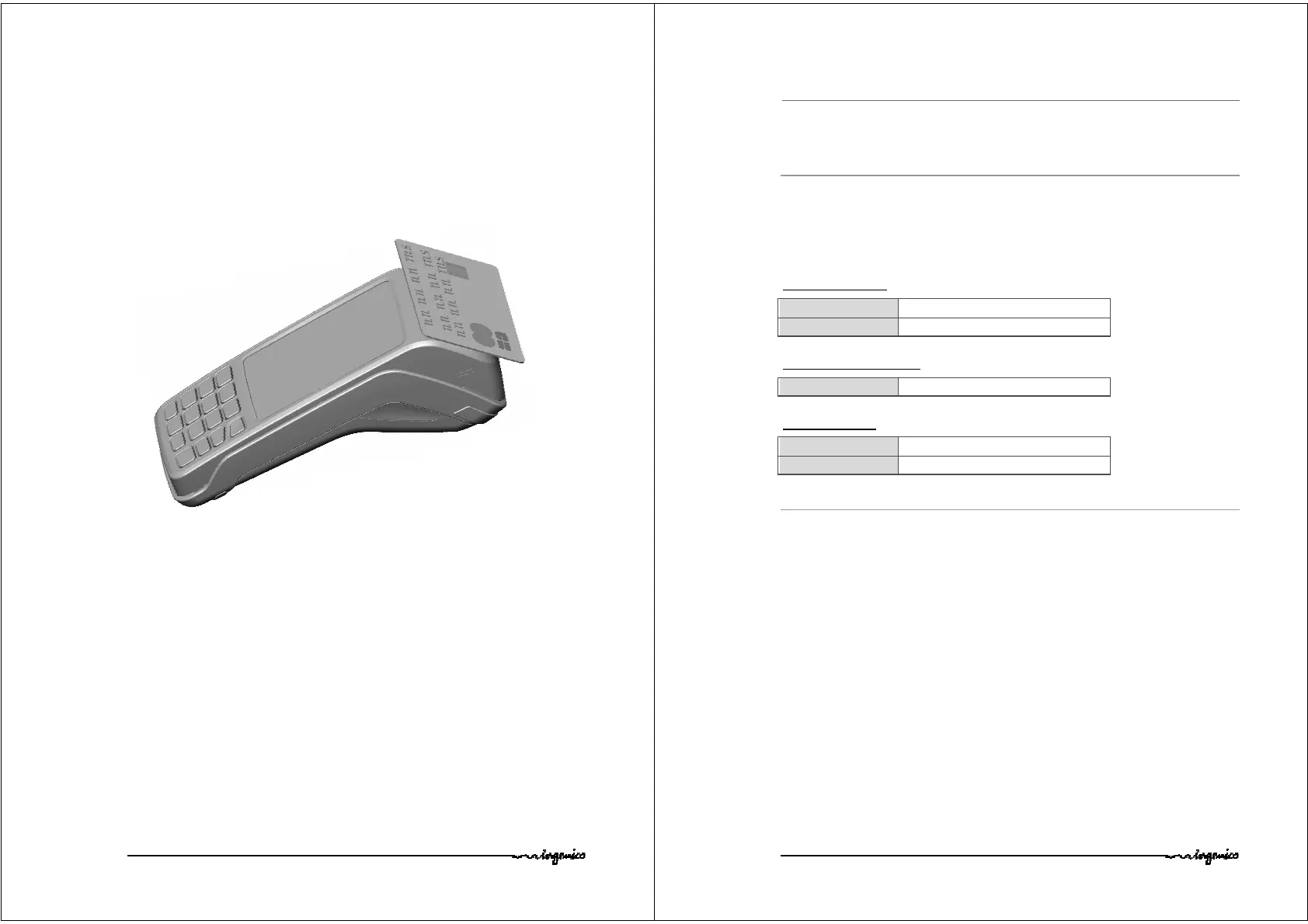
Contactless (optional)
• Bring the card firmly up to the active zone. Keep the
card close to the reader during the transaction
•
The 4 virtual LEDs are displayed during the transaction.
The terminal behavior for the cardholder may depend on:
• The terminal environment
• Local usage (language…)
USER GUIDE
• 12/28 Copyright © 2012 Ingenico
R11 900017771 000 02 All rights reserved
4. Installation
4.1. Recommendations
Location of the Move5000
Place the base on flat surface near an electric socket and according to the base to the
telephone or a Ethernet socket. The terminal should be placed far from any very hot zones,
protected from vibrations, dust, damp and electromagnetic radiation (computer screen,
anti-theft barrier etc.).
Operating conditions
Battery charging conditions


 To Next Page
 Loading...