7
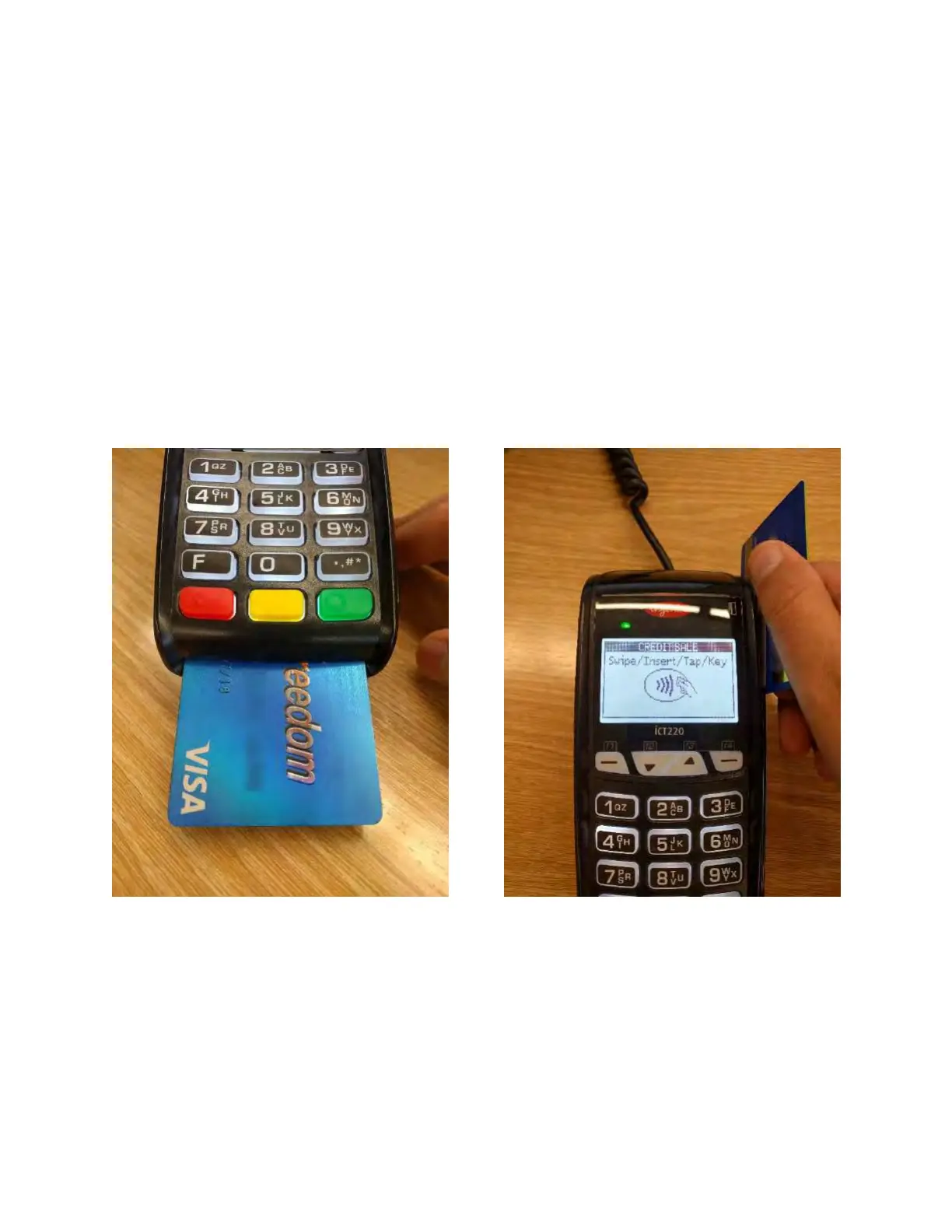
If you have a chip card, insert it into the chip
reader. If you accidentally swipe a chip card, the
terminal will show a message reminding you to
use the chip reader. Follow the prompts to
complete the sale.
If you have a non-chip card, swipe it through
the card reader. Follow the prompts to
complete the sale.



 To Next Page
 Loading...













