EasyManua.ls Logo

Ingenico Moby C150 - User Manual

Ingenico Moby C150
26 pages
Print Icon
To Next Page IconTo Next Page
Loading...
This document is the property of Ingenico Inc. Rev20180802
Its content cannot be reproduced or divulged without the company’s written approval.
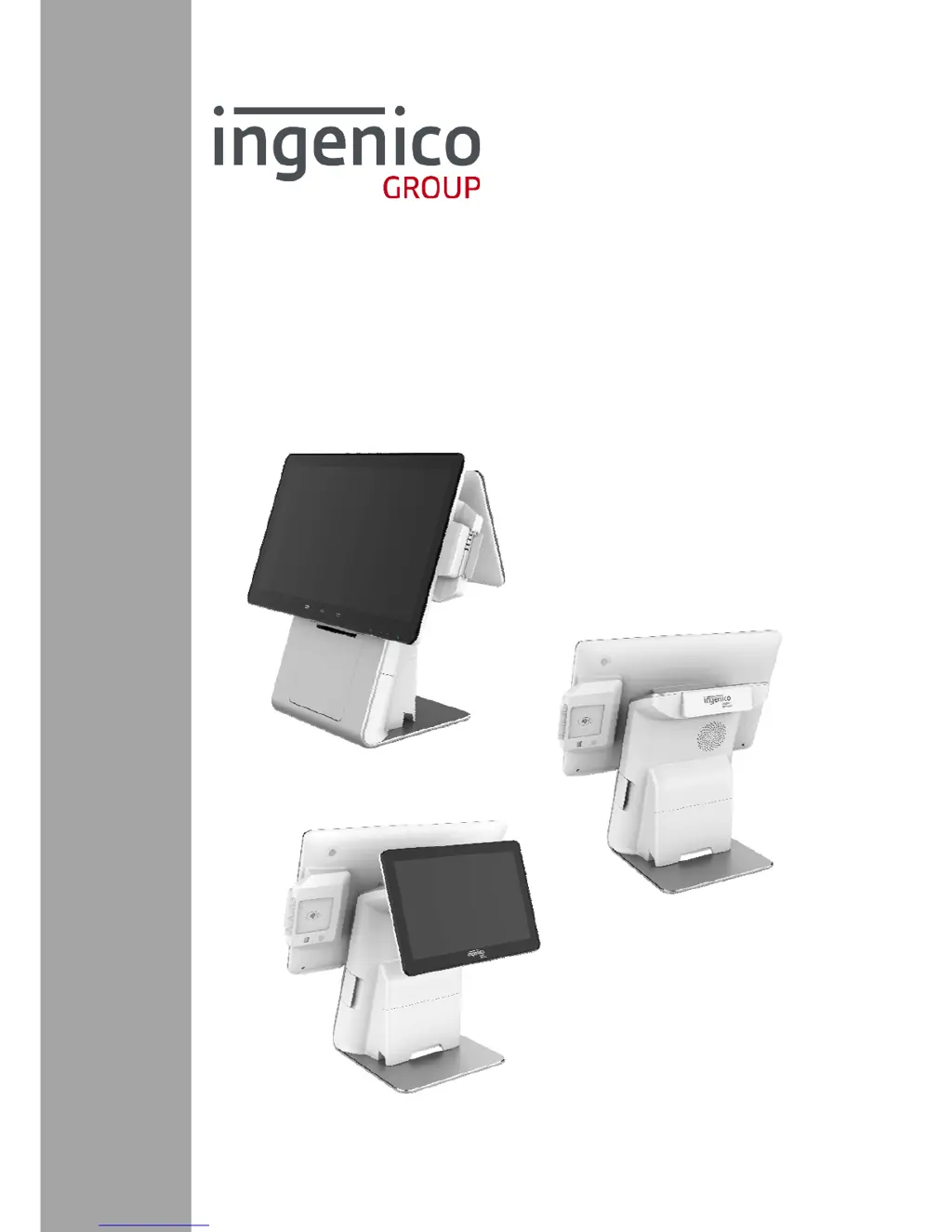
Smart Cash Register
ModelMoby C150
Product User Guide

Questions and Answers

  • B
    Brian NewmanAug 11, 2025
    What to do if transaction processing fails on my Ingenico Moby C150?
    • S
      Shelly LaneAug 11, 2025
      If the Ingenico Cash Register fails to process transactions, first try using multiple magnetic cards to rule out a faulty card. Ensure cards are swiped correctly. If swiping fails, try manually processing the transaction. If manual processing works, the card reader may be faulty. If manual processing fails, check the communication status or the smart card reader. Also, try using multiple smart cards to ensure the smart card isn't the issue. In case of a communication breakdown, contact your communication operator.
  • J
    Jennifer GilmoreAug 17, 2025
    Why is the printer not working on my Ingenico Moby C150 Cash Register?
    • O
      omarquezAug 17, 2025
      If the printer on your Ingenico Cash Register isn't working, start by checking if the power is on. Then, verify that the paper isn't out and that the paper roll is correctly installed. Also, make sure the paper roll cover is fully closed.
  • D
    Danny WilsonAug 22, 2025
    How to fix an Ingenico Moby C150 Cash Register that does not start?
    • J
      jgrahamAug 22, 2025
      If your Ingenico Cash Register terminal isn't starting, ensure the power adapter is correctly connected and the power indicator is red. Also, make sure the power button is pressed for more than 3 seconds.
  • J
    Jessica HernandezAug 29, 2025
    What to do if the screen is off on my Ingenico Moby C150 Cash Register?
    • D
      Donald RomeroAug 29, 2025
      If the screen of your Ingenico Cash Register is off, check that the power cable is tightly plugged in. If it is, try disconnecting and reconnecting the power cable.
  • D
    David MarshallSep 3, 2025
    Why is the peripheral device not working with my Ingenico Moby C150?
    • R
      Rebecca RamirezSep 4, 2025
      If a peripheral device connected to your Ingenico Cash Register isn't working, first check the power cable connected to the peripheral device. Also, check if the cable is broken and ensure the peripheral device is properly connected to the power supply and is working. Try replacing the cable and reconnecting the device.

Ingenico Moby C150 Specifications

General IconGeneral
BrandIngenico
ModelMoby C150
CategoryCash Register
LanguageEnglish