This document is the property of Ingenico Inc. Rev20180802
Its content cannot be reproduced or divulged without the company’s written approval.
18 / 26
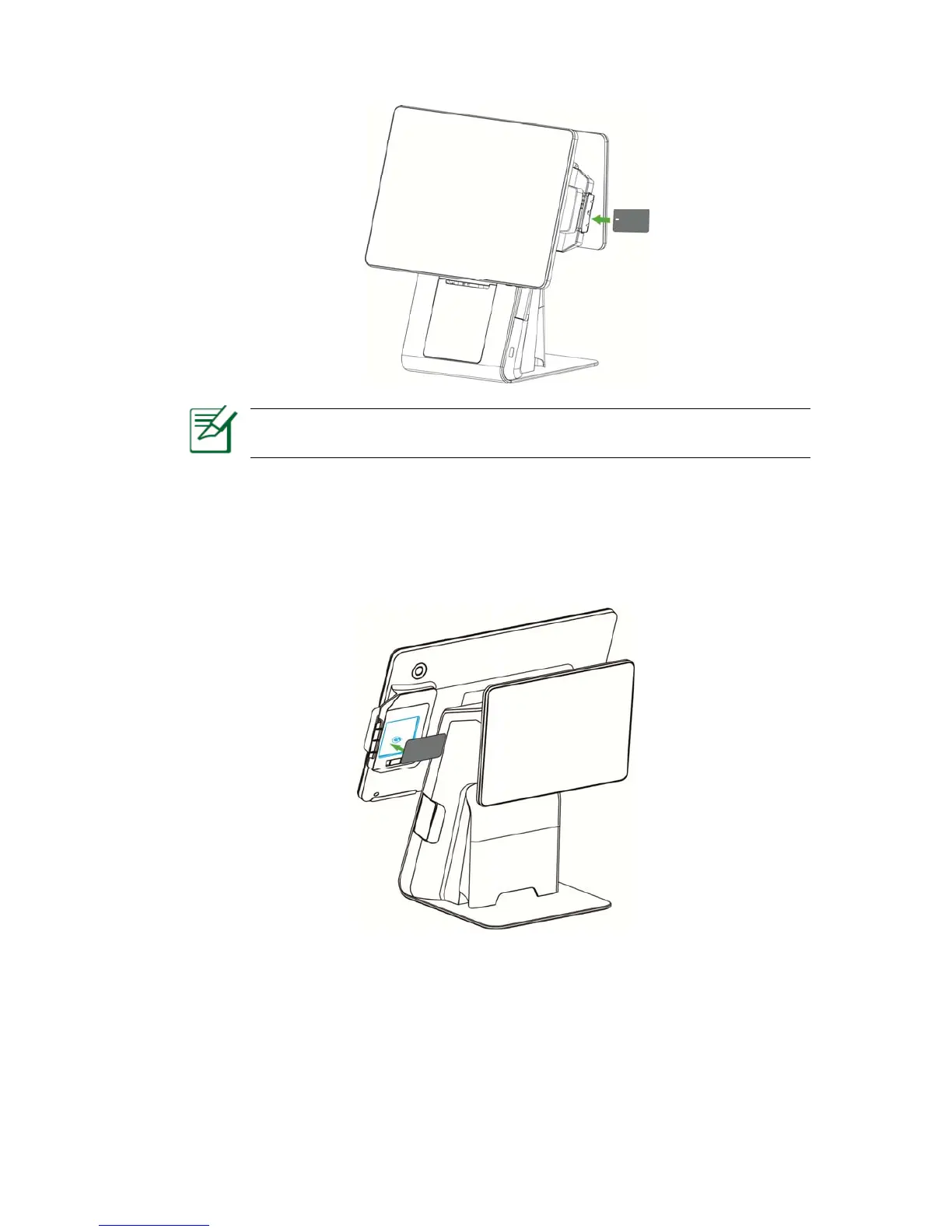
Figure 5-4
Notice: If the chip contacts of the smart card are damaged or oxidized, it
may cause transaction failure.
5.5 Contactless Card
Place the card right against the sensing area. Keep the card close to the reader during
the transaction. You can remove the card when the transaction is completed.
Figure 5-5
5.6 Fingerprint identification
Fingerprint identification is located behind the right side of the main display screen and can be used for login,
authorization, etc.



 To Next Page