This document is the property of Ingenico Inc. Rev20180802
Its content cannot be reproduced or divulged without the company’s written approval.
19 / 26
Figure5-6
Notice:
please keep the surface of the fingerprint module clean.
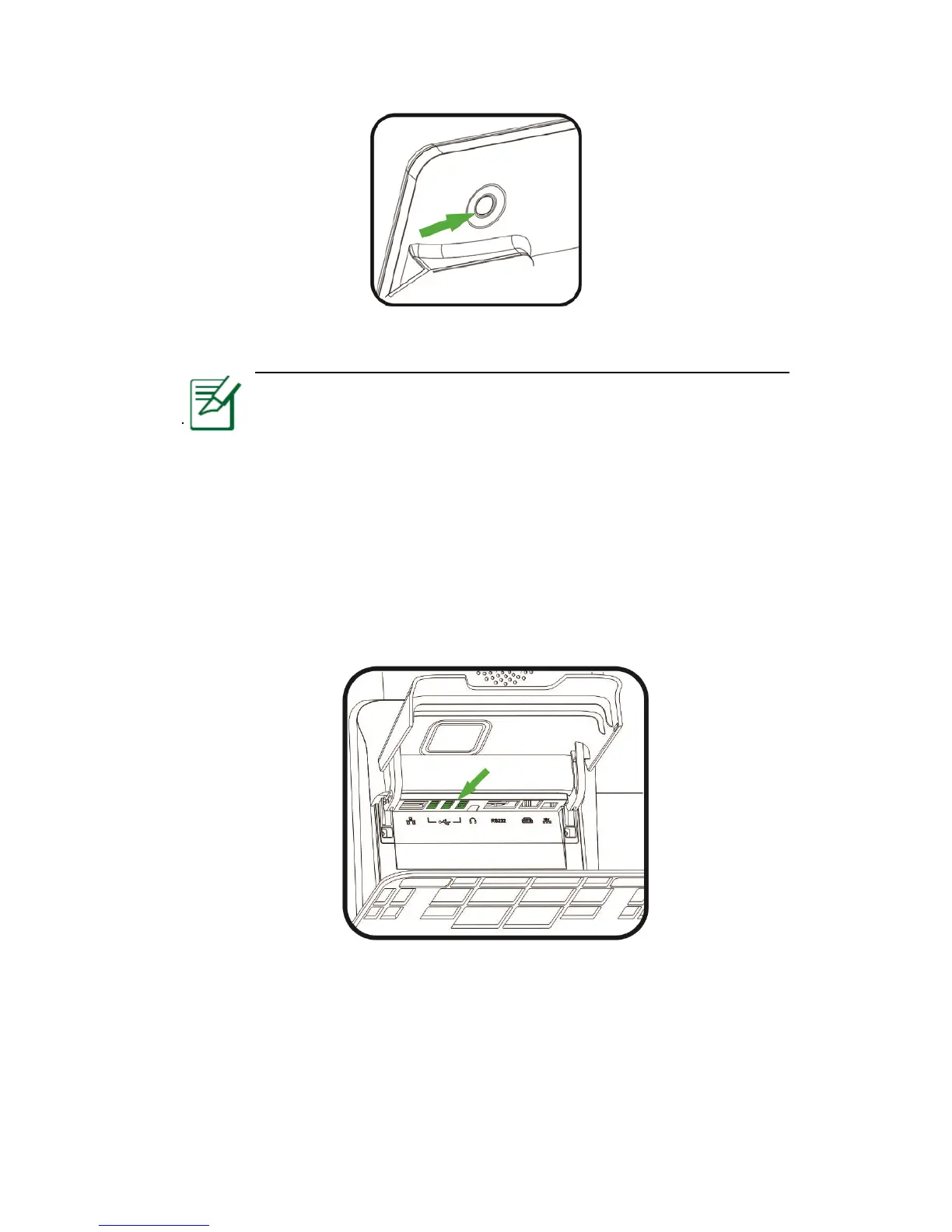
5.7 USB Ports
The terminal has 3 USB Type-A ports in total. They are all with power output of 5V/0.5A, located behind
the base are recommended for USB devices that are not plugged in/out frequently (e.g. PIN Pad, scanners
etc.).
Figure 5-7
5.8 Usage of Printer
Installing paper roll
1. Paper roll characteristics
The paper roll can be purchased in stationery store. If the users need to



 To Next Page