BEFORE OPERATION
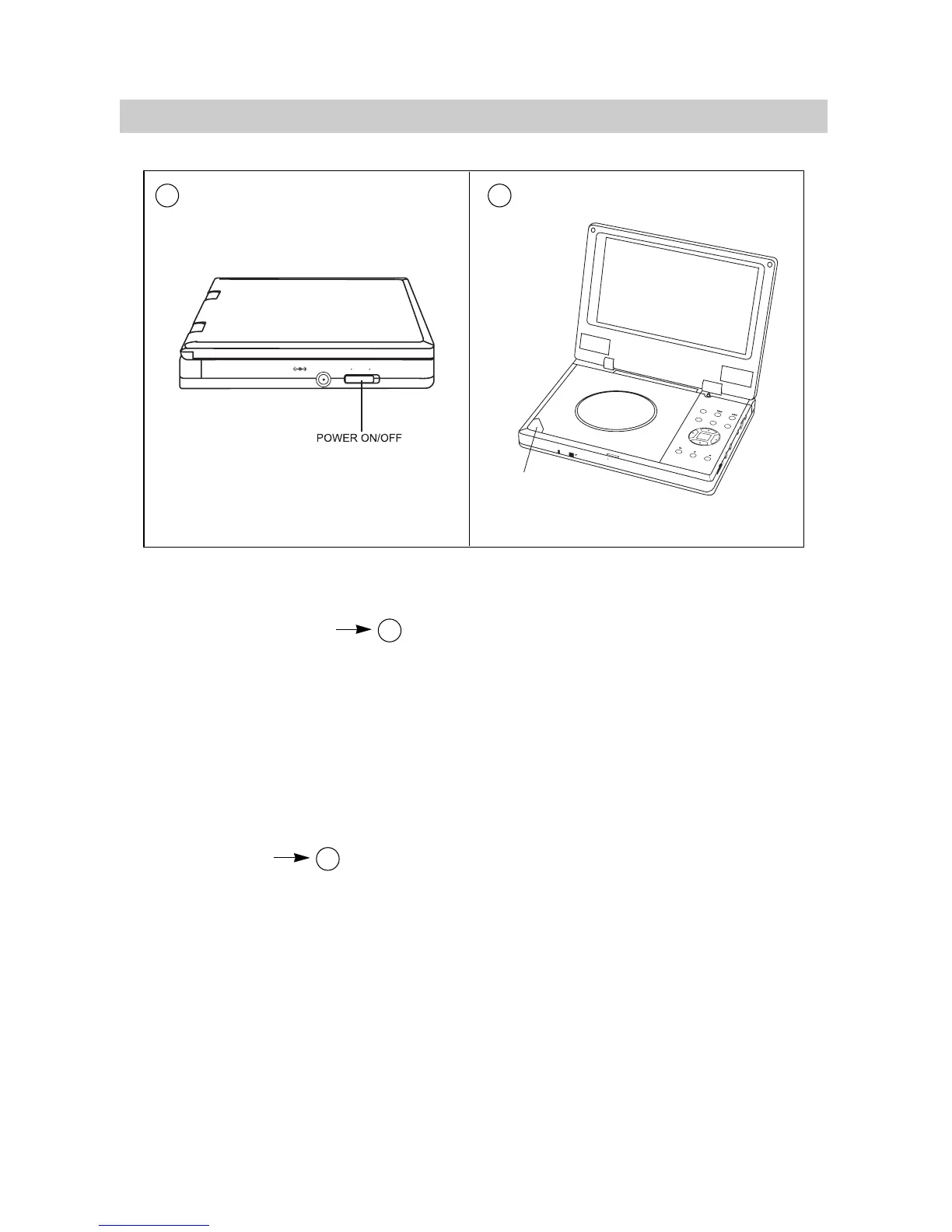
1.Turn on the power.
2.Open the cabinet cover.
3.Set POWER ON.
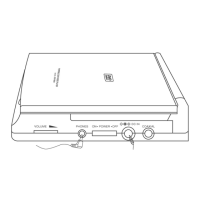
4.Turn VOLUME to adjust volume. (including when using
headphones).
5.When the unit is connected to a TV or an amplifier, adjust the
volume according to owner’s manual and set TV to AV mode.
LOADING DISC
1.Press OPEN to open the disc tray.
2.Hold the edge of the disc to put it in the center with the printed
side up.
3.Close the disc tray, wait until it clicks.
·13·
BASIC OPERATIONS
A
A
B
B


 To Next Page