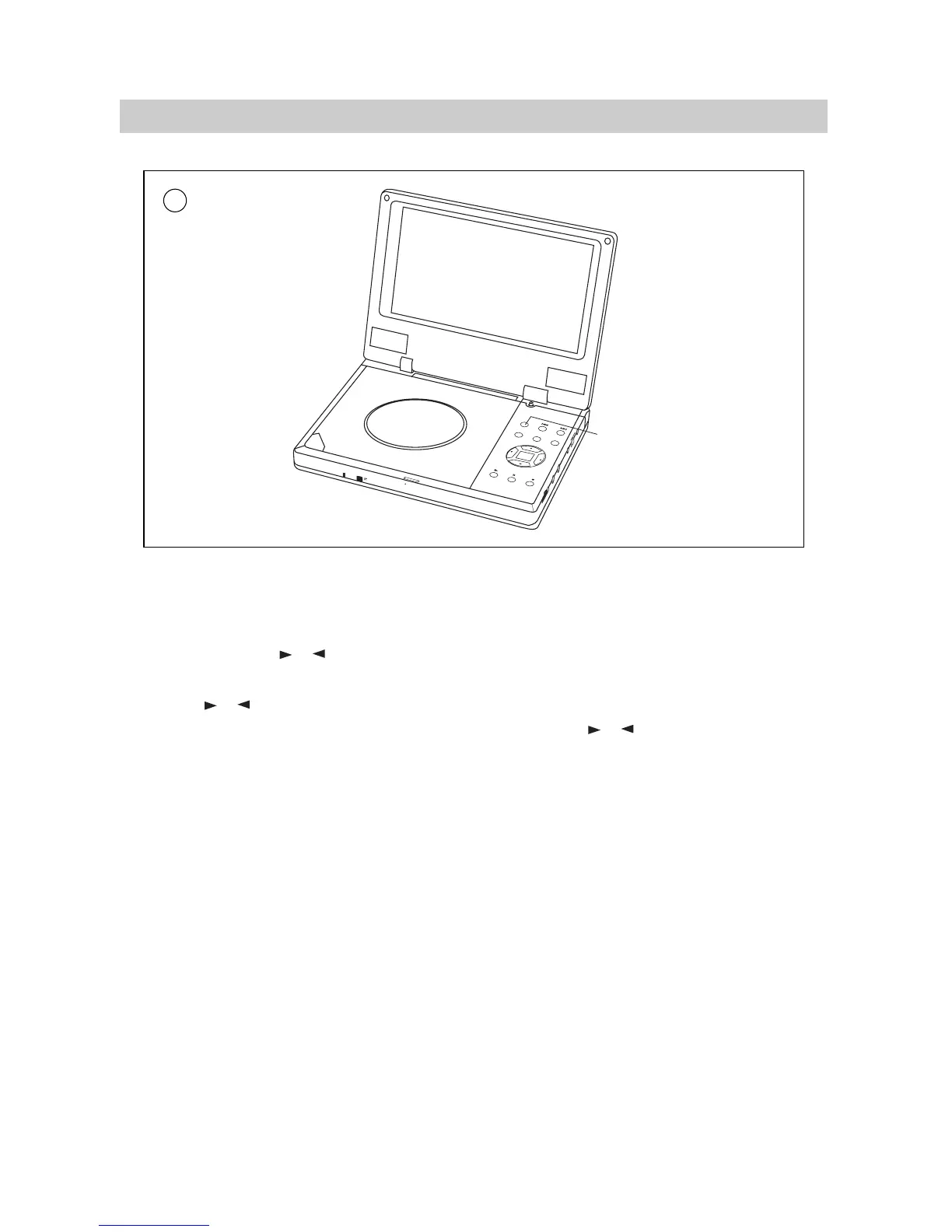
1. If you feel bright unsuitable during playback,press MONITOR button to select bright
adjustment and press or buttons until moderate bright is available.
2. If you feel color unsuitable during playback,press MONITOR button to select color adjustment
and press or buttons until moderate color is available.
3. Press MONITOR button to select display mode selection and press or buttons to
select :Full mode, Normal mode and Zoom mode.
Note: During playback, few bright or dark flecks may appear on the TFT LCD, which is a normal
phenomenon in active matrix display technology, but not a malfunction.
·14·
BASIC OPERATIONS
A


 To Next Page