·32·
PLAY DISCS IN VARIOUS WAYS
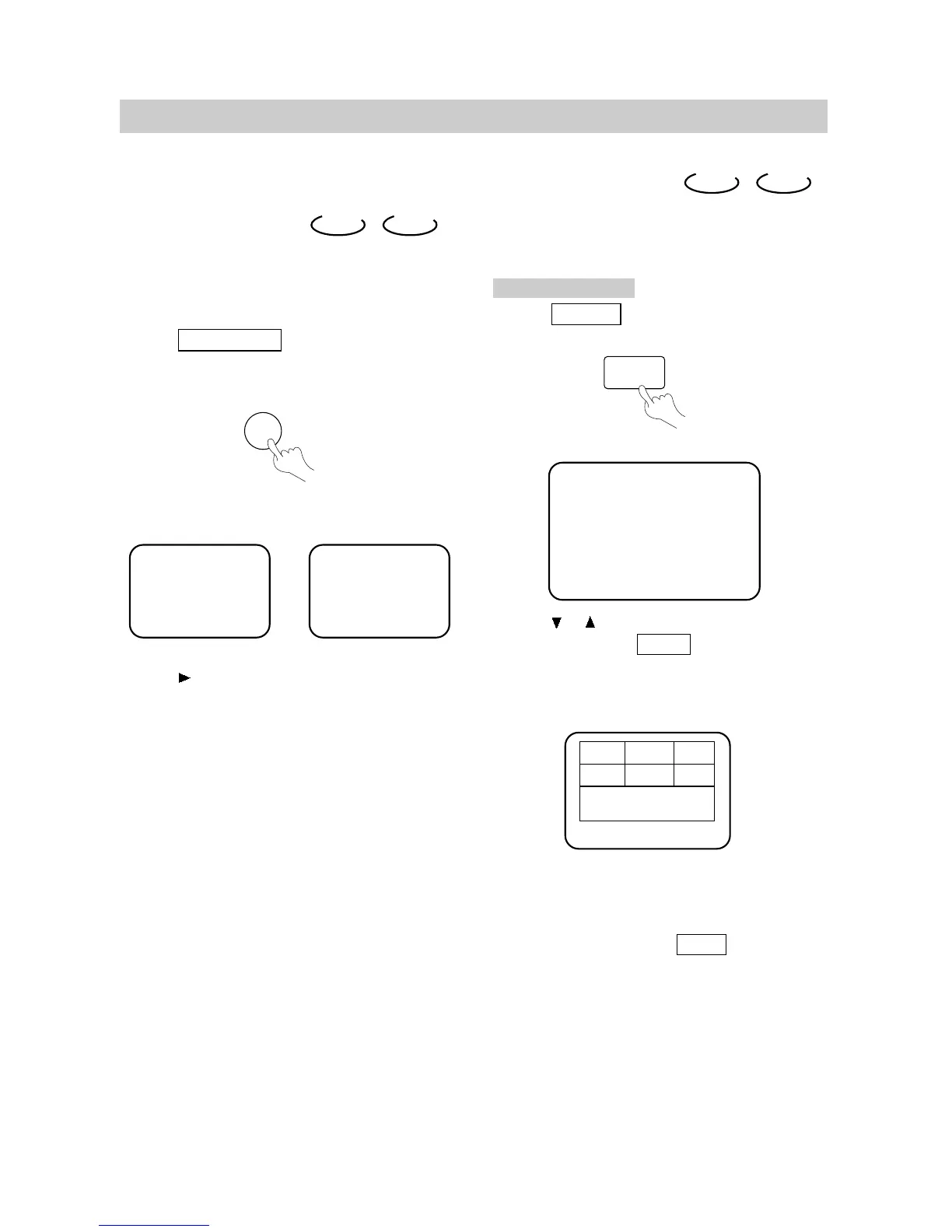
DIGEST PLAY
This function can be used to look through the
content of the track or disc.
DVD CD
SHUFFLE OR RANDOM PLAY
The unit can play by random orders.
The order is different each time.
DVD CD
1. Press PLAY MODE to select shuffle or
random play mode while a disc is playing.
The screen shows:
2. press (PLAY) to
start shuffle or random play.
The unit selects a track to play.
3. Remove shuffle or random play.
●
When playing a DVD disc, press ■ twice.
●
When playing a CD disc, press ■.
PLAY MODE
Shuffle RandomOR
Select Digest Type:
Title Digest
Chapter Digest
Title Interval
Chapter Interval
DIGEST
1
2
3
4
5
6
Type:Title
Select (01-20): --
Exit Menu NEXT
PLAYING DVD
1. Press DIGEST while a disc is playing.
The screen shows:
Use the or buttons to select "TITLE
DIGEST" and press PLAY to confirm.
The unit begins to look through the titles, and
shows the starting picture of each title on the
screen.
Each page has six pictures, their location may be
different.
2. Use the direction buttons to select NEXT
on the screen, and press PLAY to go
to the next page.


 To Next Page