32
www.inivos.com
INSTRUCTION MANUAL REVISION 4.0 • APRIL 2020
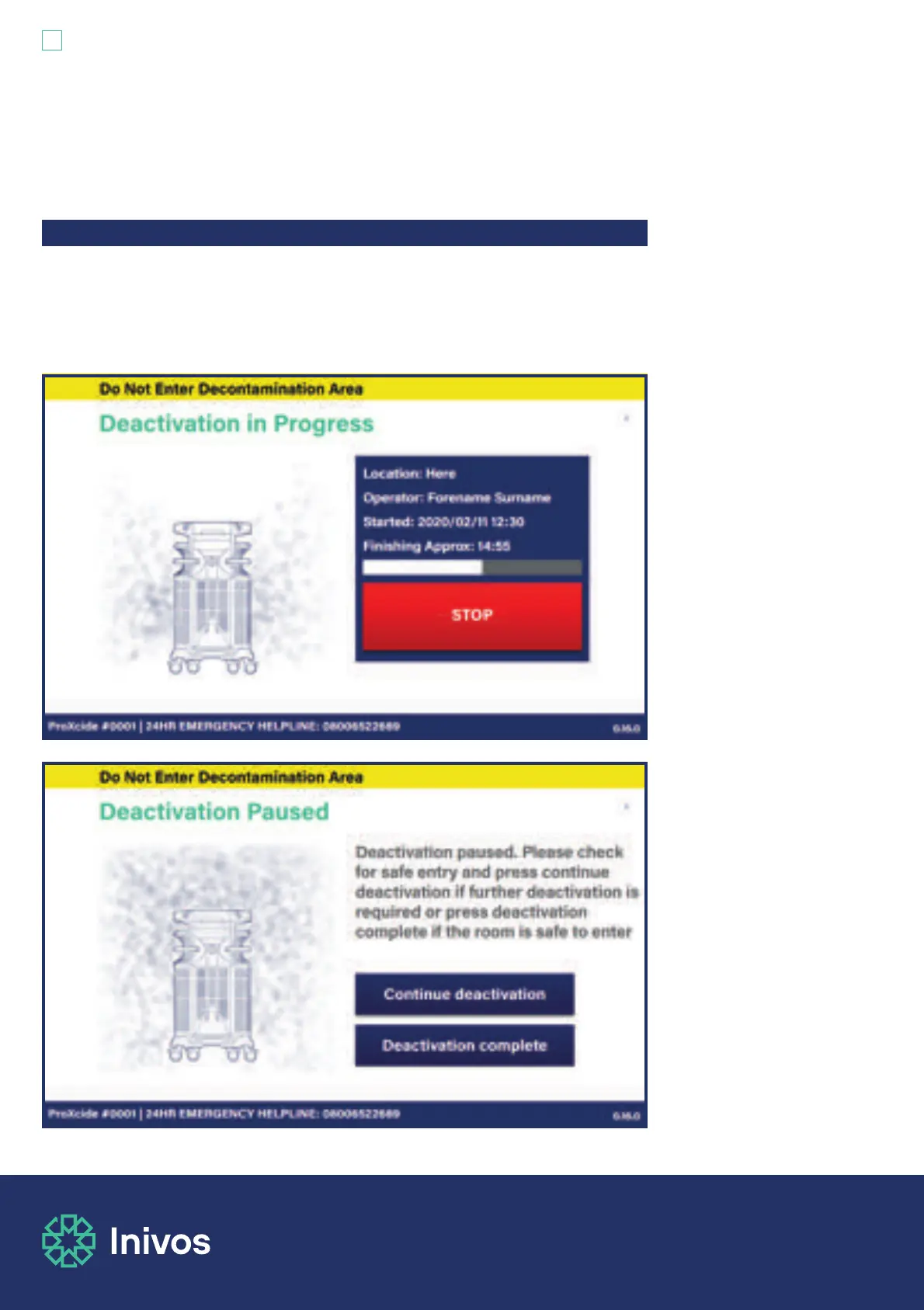
The emergency stop button will be displayed on the process monitor touch screen at all times
during the process. The emergency stop button can be used at any time during the decontamination
cycle. This will stop vapour generation and the ProXcide™ will move to its deactivation mode which
can take up to 60 minutes. You must not enter the room until the deactivation mode phase is
complete, as indicated on the process monitor.
5.3 Stopping the ProXcide™ process in an emergency


 To Next Page