48
www.inivos.com
INSTRUCTION MANUAL REVISION 4.0 • APRIL 2020
Once the gas leak detector is reading between 1.00 - 2.00ppm it is safe to enter the treatment
space for a short time to remove equipment. Do not stay in the treatment space for more than 15
minutes in any 8hr period at this level. If the gas monitor reads <1.00ppm it is safe to enter for an
unlimited period of time.
5.8.1. Remove the DVI tape from the door and enter the treatment space with the gas leak
detector to take a reading.
5.8.2. Switch o and unplug the main unit of the ProXcide
™
. Facing the main unit give a light pull
on the mains cable to disengage the ratchet and allow the cable to retract.
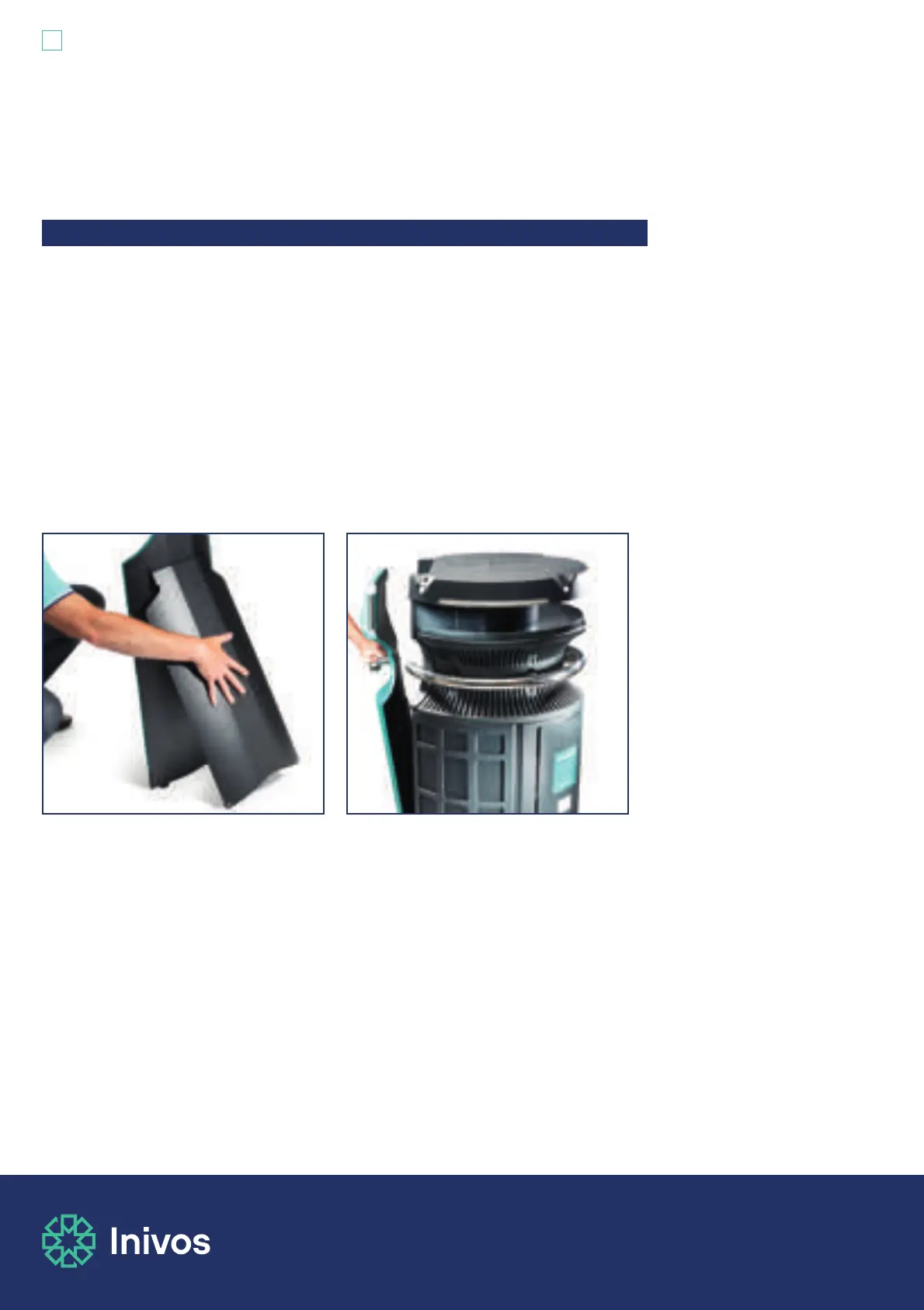
5.8.3. Switch o and unplug the process monitor cable. Coil this neatly and place it back into its
holder on the front of the process monitor. To retract the process monitor support stand,
gently tilt the process monitor forward and then press firmly on the support at the back
of the process monitor. This will close the support and you can then re-stow the process
monitor onto the ProXcide
™
main unit by lining it up and lifting it onto the main unit.
5.8.4. To lock the process monitor back into place on the main unit, press in the button on the
front of the process monitor (the button used to release the process monitor earlier).
Pressing this button will allow the correct positioning of the process monitor on the main
unit. When in position, release the button to lock the process monitor into place
5.8.5. Once the ProXcide
™
equipment has been removed from the treatment space, re-enter
slowly with a gas leak detector to check readings are below 1.00ppm. Remove any
ventilation covers such as VentKit
™
or smoke alarm covers such as CapKit
™
.
5.8 Post decontamination procedure


 To Next Page