9
PART II: Audacity Software
The provided CD disc contains the following software:
(1)audacity-src-1.2.6--------- For source codes
(2)Audacity_for_MAC---------For Macintosh
(3)Audacity_for_WIN---------For Windows
(4)AUTORUN.INF
(5)The GNU General Public License.html
The software is compatible with Window 98, 2000, ME, XP, VISTA and Macintosh.
Audacity Installation and USB Connection
Connect the USB cable to the turntable and into your computer. Connect the AC cord of turntable.
Press Power button to turn on the turntable.
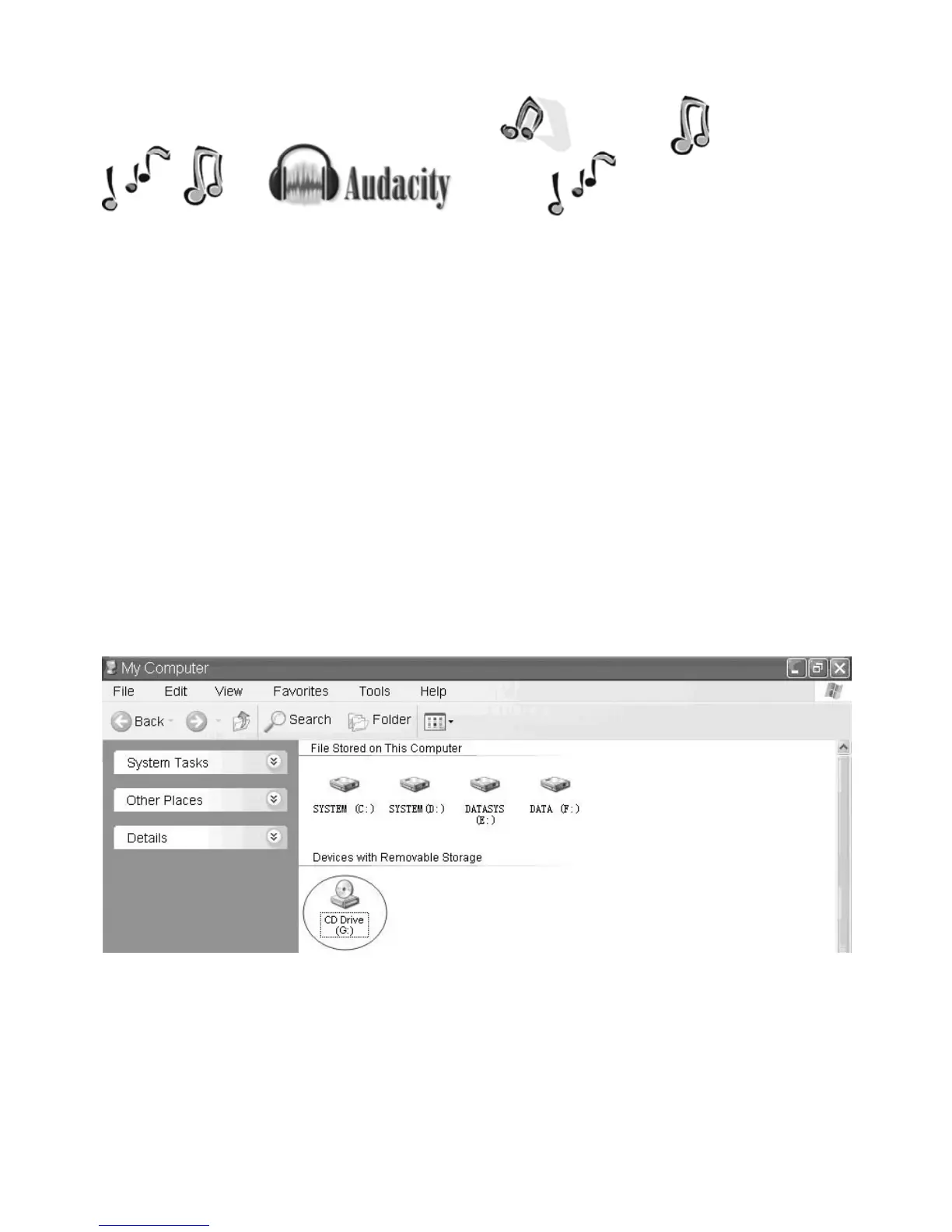
1. Please insert the Audacity software disk that comes with your unit. Go to My Computer and double
click the CD ROM Drive.



 To Next Page