32
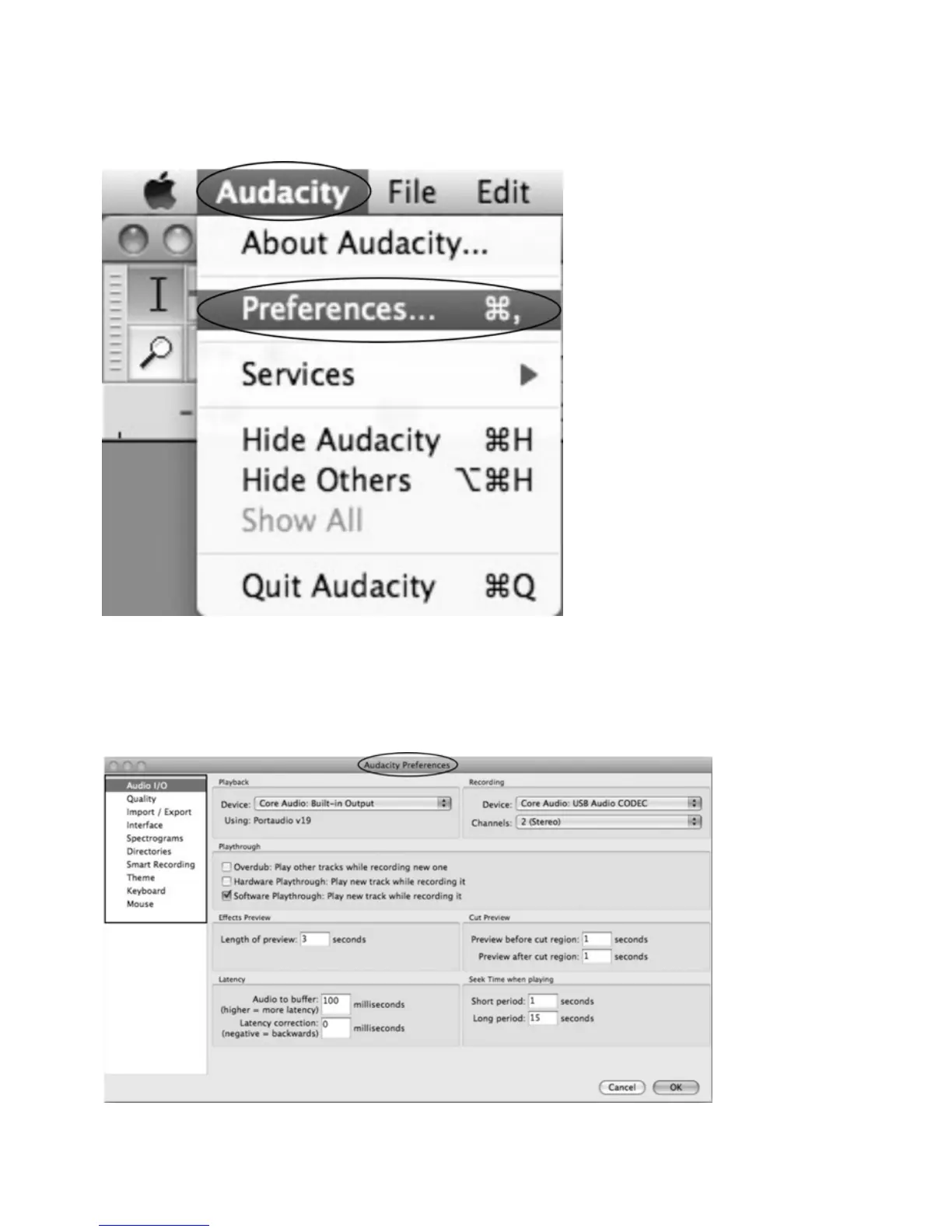
Audacity Preferences
Click the “Audacity” on the Audacity interface, select “Preferences”.
z The screen will open up Audacity Preferences. You can see the AudioI/O, Quality,
Import/Export, Interface , Spectrograms , Directories, Smart Recording, Theme, Keyboard and
Mouse.



 To Next Page