34
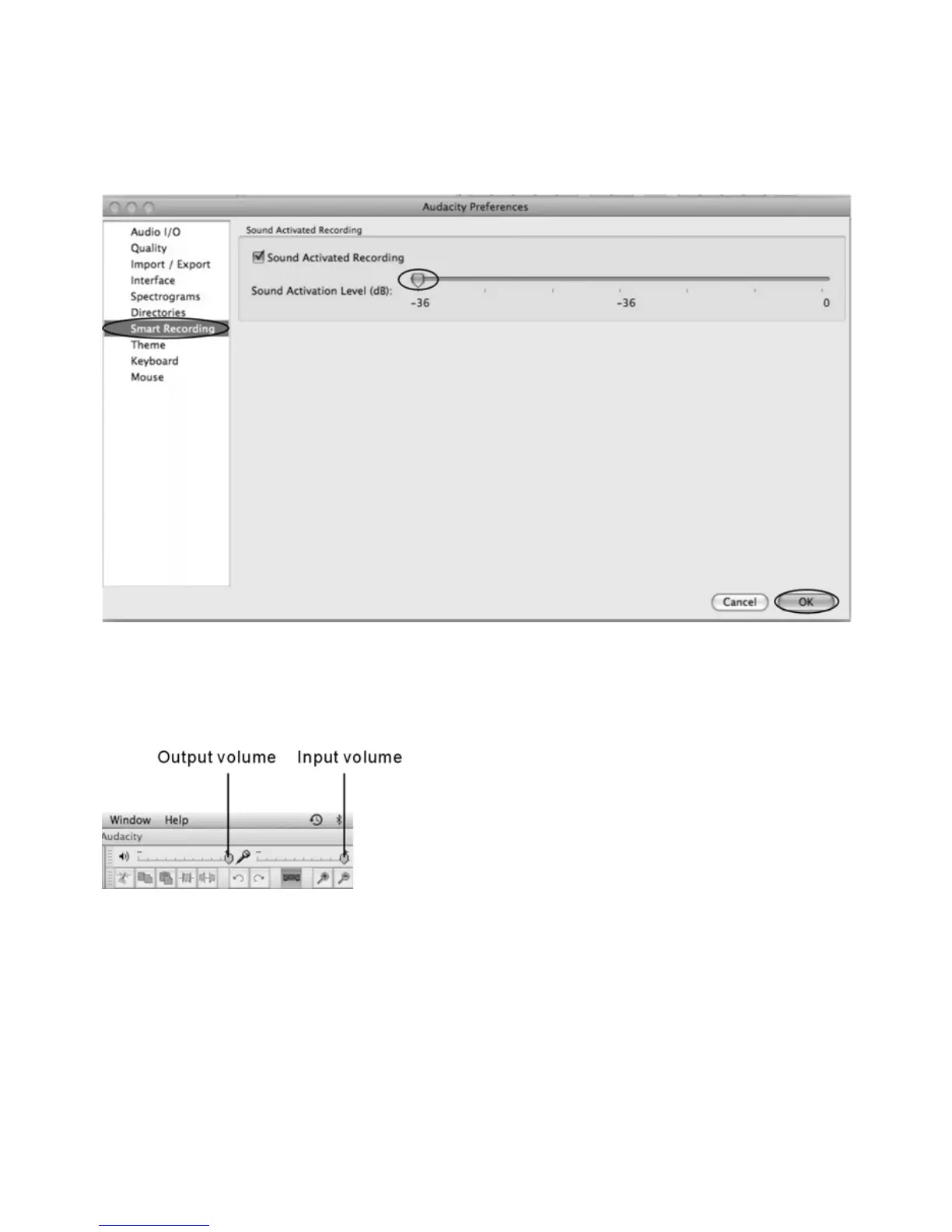
To set the Smart Recording
To select the Smart Recording in the Audacity Preferences interface, and set the Sound Activation
Level(dB) to -36, and then click OK.
At the top of the main Audacity window, to the right of the input and output level meters (labeled L
and R), you will see the input and output volume. The left of the input and output volume, there is an
volume icon. To adjust the output and input volume to maximum.
NOTE: Because of the variation of different operation system, the input volume control may not work
on some individual Windows versions. Windows Vista is recommended to ensure the input volume
control working properly.



 To Next Page