2. Make sure that you have your telemetry module plugged into the USB port on
the computer.
3. Double click the QGroundControl icon on the desktop, or open the QGC tablet
app.
4. With the drone powered on, QGroundControl will automatically connect to the
vehicle.
For more information on detailed mission setup, and advanced QGroundControl menus,
visit https://docs.qgroundcontrol.com/en/.
QGroundControl Basics:
The main toolbar on QGC has 3 main pages (accessed from the ‘Q’ in the top left corner
of the screen) to configure settings and access tools.
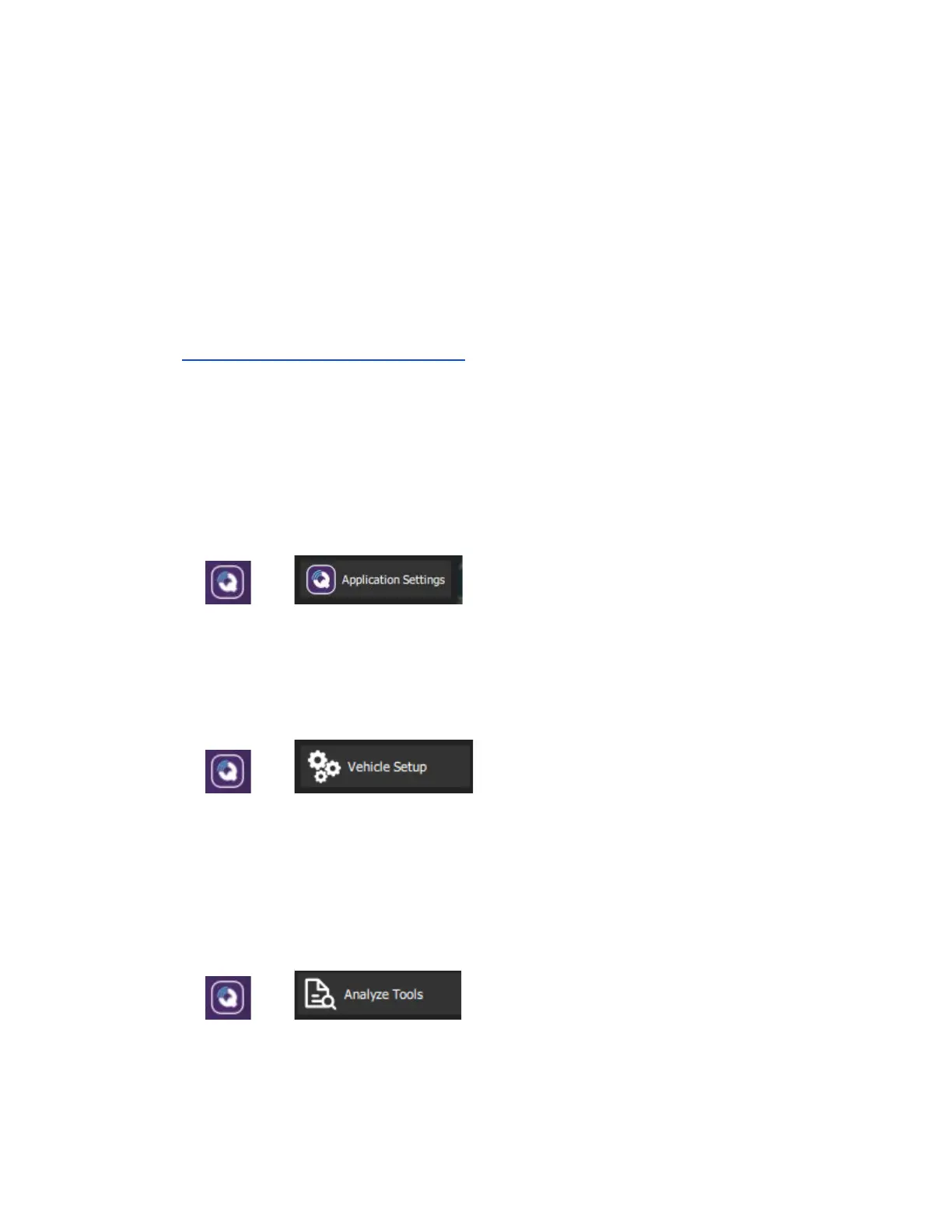
1. Application Settings
--->
Configures the QGC application. Leave settings at default unless otherwise
instructed.
2. Vehicle setup
--->
Configure and adjust tuning for the UAV. Adjusting these settings are not
recommended without consulting Inspired Flight and may cause any warranty to
be voided. All vehicles are tuned for optimal performance prior to customer
delivery.
3. Analyze Tools
--->
Used to download logs, geotag images from a survey mission, and access the
MAVLink Console.



 To Next Page